
Email segmentation platforms can restrict audiences by consent, behavior, profile data, purchase history, location, engagement, and rule logic. They decide who gets an email, who is excluded, and which version of a campaign someone sees. The tricky part is that restrictions are not always obvious. A contact may look eligible but still be blocked by a suppression rule, missing field, frequency cap, or delayed data sync.
TLDR: Email segmentation tools restrict campaigns using audience rules, segment logic, and data conditions. For example, a store might send a 15% discount only to customers who bought in the last 90 days, opened at least one email in 30 days, and live in the United States. In one common setup, a list of 50,000 contacts may shrink to 8,200 qualified recipients after consent filters, engagement rules, and purchase conditions are applied. That is usually a good thing: fewer sends, better relevance, and fewer spam complaints.
What Email Segmentation Platforms Actually Restrict
An email segmentation platform restricts access to campaigns. Not access in the security sense, but eligibility. It answers one blunt question: Should this person receive this message right now?
Most restrictions fall into three main groups:
- Audience rules: Who belongs to the group?
- Segment logic: How are rules combined?
- Data conditions: Is the contact’s information valid, current, and usable?
That sounds simple until real data gets involved. Someone can be a customer, a subscriber, a VIP, and inactive all at the same time. The platform has to sort out which rule wins.
1. Consent and Subscription Restrictions
The first limit is consent. If a contact has not opted in, has unsubscribed, or falls under a regional privacy rule, the platform can block them from receiving marketing emails.
This restriction may include:
- Unsubscribed contacts
- Contacts who never confirmed opt in
- People who opted into SMS but not email
- Contacts restricted by GDPR, CAN SPAM, CASL, or similar rules
- Suppressed addresses added manually by your team
This is the restriction you do not want to fight. Sending to people without permission can hurt deliverability and create legal risk. Honestly, it feels like some platforms hide these rules too deep in admin settings, which makes troubleshooting harder than it should be.
2. Profile and Demographic Conditions
Platforms can restrict campaigns based on profile fields. These are the traits stored on a contact record.
Common examples include:
- Location: country, city, state, postal code, or time zone
- Language: English speakers, Spanish speakers, French speakers
- Customer type: retail buyer, wholesale buyer, free user, paid user
- Account status: trial, active, paused, canceled
- Signup source: webinar, checkout, popup form, referral
These conditions are useful, but they depend on clean data. If 35% of your list has no country field, then a country based campaign may exclude a lot of people. That can be smart or annoying, depending on your goal.
3. Behavioral Restrictions
Behavior rules restrict people based on what they did or did not do. This is where segmentation becomes more useful.
A platform can filter by actions such as:
- Opened an email
- Clicked a link
- Visited a product page
- Started checkout
- Abandoned a cart
- Downloaded a guide
- Registered for an event
- Ignored the last five campaigns
The catch is that behavior tracking is not always instant. Some tools take a few minutes to update. Others can take an hour or more, especially when data comes from an outside ecommerce or CRM system. Expect to waste time on this if your segment says “0 contacts” five seconds after you created it.
4. Purchase and Revenue Rules
For ecommerce and subscription brands, purchase data is one of the most powerful ways to restrict email audiences.
You can build rules around:
- Total amount spent
- Number of orders
- Last purchase date
- First purchase date
- Average order value
- Product category purchased
- Coupon usage
- Refund or return history
For example, a skincare brand could send a refill reminder only to customers who bought moisturizer 45 to 60 days ago and have not purchased again. That stops the brand from sending a generic promo to everyone. It also avoids bothering recent buyers who do not need the reminder yet.
5. Engagement Based Restrictions
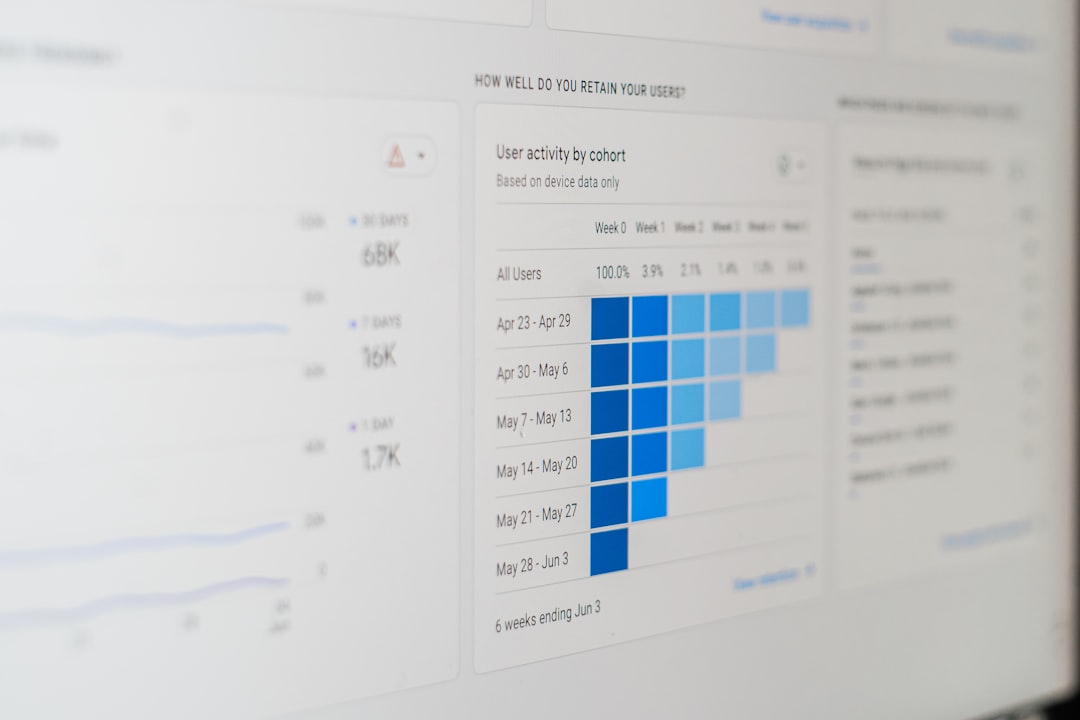
Engagement rules protect your sender reputation. They restrict contact based on how much they interact with your emails.
A platform may let you target:
- Highly engaged subscribers
- Recent openers
- Recent clickers
- Inactive contacts
- Contacts who have never opened
- People who stopped clicking after a certain date
This matters because sending to cold contacts can increase spam complaints. It can also lower inbox placement. A smaller engaged segment often beats a huge sleepy list. If 12,000 people open regularly and 80,000 ignore every campaign, sending to all 92,000 may look bold but perform worse.
6. Segment Logic: AND, OR, and NOT
Segment logic controls how rules work together. This is where mistakes creep in.
AND means every condition must be true.
Example: Customer bought shoes AND lives in Canada AND opened an email in the last 30 days.
OR means any condition can be true.
Example: Customer bought shoes OR viewed the shoe category OR clicked a footwear email.
NOT excludes people.
Example: Send to cart abandoners NOT people who already purchased.
Bad grouping can wreck a campaign. A segment that should include 20,000 contacts may return 400 because one AND was used instead of OR. Parentheses, nested groups, and exclusion rules need careful review before sending.
7. Frequency Caps and Send Limits
Many platforms can restrict how often someone gets emails. This is called a frequency cap or contact policy.
A common rule might be:
- No more than 1 promotional email per day
- No more than 4 marketing emails per week
- Always allow transactional emails
- Pause marketing emails during a support issue
This protects the customer experience. It also causes confusion. A contact can match your segment and still not get the email because they already received too many messages this week.
8. Suppression Lists and Exclusion Rules
Suppression lists are hard stops. They override ordinary segment membership.
They often include:
- Unsubscribed contacts
- Bounced email addresses
- Spam complainers
- Competitors
- Employees
- Customers in sensitive account states
These lists are helpful, but they can be messy if nobody owns them. It drives me crazy when a campaign is “missing” 3,000 people and the reason is an old suppression list named “Do Not Send Final Final.” Clear naming matters.
9. Data Quality and Field Type Restrictions
Segments depend on data fields. If those fields are wrong, blank, duplicated, or formatted badly, rules may fail.
Common data issues include:
- Dates stored as text
- Currency values stored with symbols
- Country names written in several formats
- Duplicate contacts with different emails
- Missing consent source
- Old CRM records syncing over newer email data
A rule like “last purchase is within 90 days” only works if the platform sees that field as a date. If it sees it as plain text, your segment may break or behave strangely.
10. Platform Limits That Restrict Segments
Some restrictions come from the software itself. Not every tool supports deep rule building.
You may run into limits such as:
- Maximum number of conditions per segment
- Limited nested logic
- No real time segment updates
- Restricted access on lower priced plans
- Limited custom fields
- Slow ecommerce or CRM sync
- No option to preview exact excluded contacts
These limits matter when your campaigns get more specific. A small newsletter may only need basic tags. A growing ecommerce brand may need product rules, purchase windows, predictive scores, and exclusions in the same segment.
How to Build Better Restrictions
Good segmentation is not about making tiny groups for fun. It is about matching the message to the person.
Use these practical checks:
- Start with the goal: retention, reactivation, upsell, win back, or education.
- Use exclusions first: remove unsubscribed, recent buyers, complainers, and irrelevant contacts.
- Keep logic readable: avoid segments nobody can explain two weeks later.
- Preview counts: check how each rule changes the audience size.
- Test with sample contacts: confirm real people land where expected.
- Document key segments: write down what each one does and why it exists.
Email segmentation platforms can restrict almost anything tied to a contact record or tracked action. That includes consent, behavior, purchases, engagement, location, timing, list health, and software rules. The best teams treat these restrictions as safeguards, not obstacles. They send fewer careless emails and more messages that make sense.