

The best Twitch tags are the ones that describe why a viewer should click right now, while StreamElements is better used to keep those viewers engaged once they arrive. If you are trying to improve Twitch discoverability, start with native Twitch tags first. Then use StreamElements for titles, chat activity, alerts, overlays, and post-stream review.
TLDR: Twitch tags help viewers find your stream inside Twitch search, category pages, and filtered browsing. StreamElements does not replace Twitch tags, but it can support growth by improving viewer retention and helping you track what worked. For example, a small Dead by Daylight streamer who swaps vague tags like “English” and “Casual” for “Solo Queue,” “No Backseating,” “Horror,” and “Viewer Games” might see browse clicks rise 10–25% over two weeks if the title and schedule stay consistent. Use Twitch tags for discovery, then use StreamElements to make the session feel active enough that new viewers stay.
What Twitch Tags Actually Do
Twitch tags are native labels attached to your live stream. They tell Twitch, and potential viewers, what kind of stream you are running. They can describe your language, play style, community type, content format, identity, challenge rules, or viewer interaction level.
Tags matter because Twitch is crowded. A viewer browsing Fortnite, Just Chatting, Valorant, or Art is often scanning hundreds of live channels. Your thumbnail helps. Your title helps. But tags give viewers quick reasons to stop scrolling.
Good tags answer questions like:
- Can I join? Try tags such as Viewer Games, Playing With Viewers, or Community Games.
- Is this relaxed or sweaty? Use Casual Playthrough</em), Ranked, Speedrun, or Challenge Run.
- Can I give advice? Choose Backseating Allowed or No Backseating.
- What kind of community is this? Tags such as LGBTQIAPlus, Family Friendly, or VTuber can help the right viewers feel welcome.
What StreamElements Does For Discoverability
StreamElements is not mainly a discovery tool. It is a broadcast support tool. It gives you overlays, alerts, chat bot features, loyalty systems, commands, timers, and analytics. Those tools can help your channel grow, but not in the same direct way tags do.
Honestly, it feels like StreamElements should do more for discovery than it does. You see dashboards, widgets, stats, and chatbot tools, so it is tempting to think it can fix low reach. It cannot make Twitch recommend your stream by itself. It can, however, help you look more active and more polished when someone lands on your channel.
That matters because discoverability has two parts:
- Getting found: Twitch tags, category choice, title, schedule, and thumbnail.
- Getting followed: Stream quality, chat energy, alerts, overlays, commands, and community prompts.
StreamElements is strongest in the second group. If your tags bring in ten curious viewers but the stream feels dead, they may leave in 20 seconds. If your StreamElements setup gives them a clear command, a fun alert, a clean overlay, and a reason to chat, more of them may stick around.
Twitch Tags vs StreamElements: The Real Difference
| Feature | Twitch Tags | StreamElements |
|---|---|---|
| Main purpose | Help viewers find relevant streams | Improve stream presentation and engagement |
| Best use | Search, browsing, filters, content matching | Alerts, overlays, chat bot, timers, analytics |
| Direct impact on discovery | High | Low to medium |
| Impact after viewer clicks | Low | High |
The catch is simple. Tags can bring people in, but they do not entertain anyone. StreamElements can make your stream more interactive, but it will not magically push your channel to the top of a category.
Best Twitch Tags To Use By Stream Type
There is no single “best” tag list for every channel. The best tags match your content and viewer intent. If the tag promises one thing and your stream gives another, viewers bounce. That hurts more than it helps.
For gaming streams
- First Playthrough: Great for story games and blind reactions.
- No Backseating: Useful if you want viewers to avoid spoilers.
- Backseating Allowed: Good for puzzle games, survival games, and community advice.
- Ranked: Strong for competitive games such as Valorant, League of Legends, or Apex Legends.
- Viewer Games: Best when viewers can actually join.
For Just Chatting
- AMA: Works well for Q&A streams.
- Politics: Only use it if the stream truly focuses on political talk.
- Food and Drink: Useful for cooking, coffee chats, or snack reviews.
- Music: Good for music discussion, not copyrighted song playback.
For creative streams
- Digital Art: Clear and searchable.
- Traditional Art: Better for painting, sketching, or crafts.
- Commission: Helpful if you are taking paid work live.
- Work in Progress: Good for long projects and recurring streams.
How To Combine Twitch Tags And StreamElements
The smart setup is not Twitch tags versus StreamElements. It is Twitch tags first, StreamElements second.
Use this simple workflow before each stream:
- Pick the right category. Do not stream a niche game under a bigger game just to chase viewers. It usually backfires.
- Write a searchable title. Include the hook. “First Playthrough, No Spoilers” is clearer than “We’re back again.”
- Add specific Twitch tags. Choose tags that match the session, not your entire channel identity.
- Set StreamElements timers. Rotate chat prompts, Discord links, schedule notes, or viewer game rules.
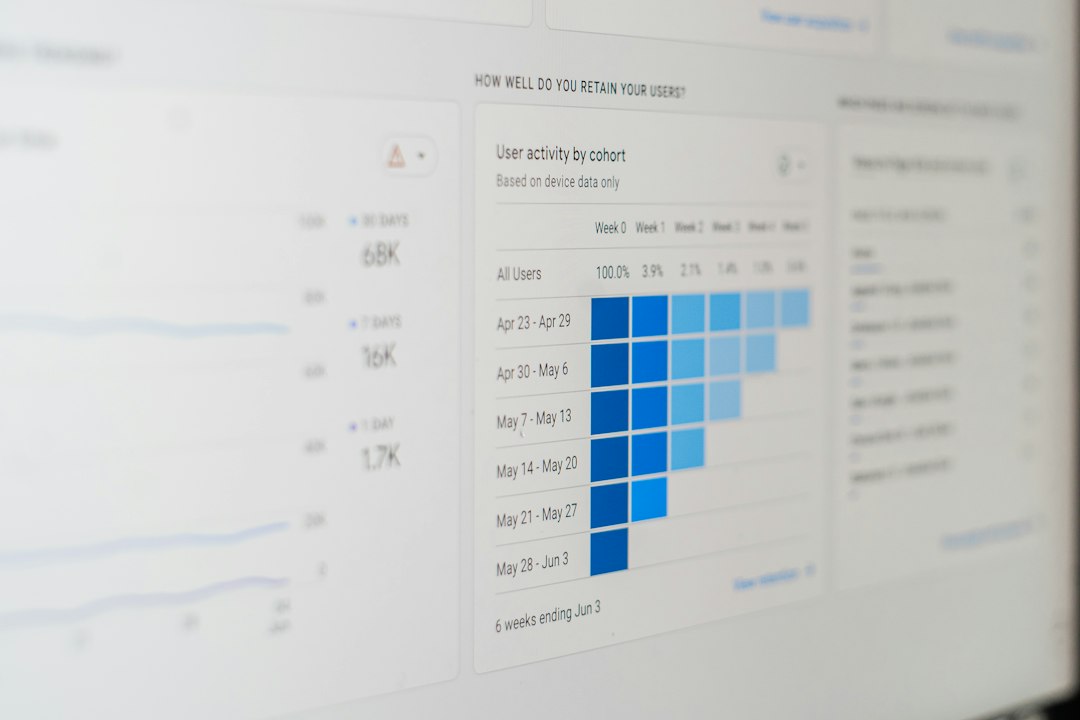
- Review results after stream. Compare average viewers, chatters, follows, and click patterns over several streams.
Expect to waste time on weak tags if you copy large streamers without thinking. A top streamer can use broad tags because their name carries weight. A small streamer needs sharper signals. “English” is fine, but it is not a hook. “First Playthrough” or “Viewer Games” tells a stronger story.
A Practical Example
Imagine a streamer averaging 6 viewers in Stardew Valley. Their old setup uses the title “Cozy farm time” and tags like English, Casual, and Chill. Nothing is wrong with that, but it is bland.
A better setup could be:
- Title: “Starting a New Farm | Cozy Chat | No Backseating”
- Tags: First Playthrough, No Backseating, Cozy, Farming, Chatty
- StreamElements timer: “What should we name the next chicken? Type your worst idea.”
- Chat command: !farm shows current goals for the day.
That setup gives viewers a reason to click and a reason to talk. If browse impressions stay the same but the click rate moves from 2.5% to 3.2%, that is a 28% lift. For a small channel, that can mean several extra viewers per stream.
Common Mistakes To Avoid
- Using too many vague tags: Broad tags rarely separate you from similar streams.
- Tagging content you are not doing: Do not use Viewer Games if viewers cannot join.
- Ignoring your title: Tags support the title. They do not replace it.
- Overloading overlays: StreamElements can make a stream look messy if every widget screams for attention.
- Changing everything at once: Test one or two tag changes at a time so you can read the results.
Final Recommendation
Use Twitch tags as your discovery engine and StreamElements as your retention kit. Tags help the right viewer find you. StreamElements helps that viewer feel like something is happening once they arrive.
For most streamers, the winning formula is simple: specific category, clear title, accurate tags, clean overlays, active chat prompts, and basic post-stream review. Do that for 10 streams in a row. Track clicks, follows, chatters, and average watch time. You will learn more from that than from chasing a magic tag list that never existed.