
Choose Webflow for content-heavy interactive websites, and choose Framer for polished marketing pages that need to feel fast, modern, and visually refined. Webflow is the safer pick when a site depends on CMS structure, editor roles, redirects, SEO controls, and long-term content operations. Framer is stronger when a design team wants to create a sharp landing page, prototype-like motion, and publish without waiting on engineering. Webflow also has broader market proof: its customer base includes more than 300,000 organizations, according to Webflow’s own public customer page [source: Webflow].
TLDR: Webflow is better for interactive business websites with many pages, CMS collections, forms, gated content, and ongoing marketing work. Framer is better for sleek landing pages, startup sites, product launches, and highly visual pages with smooth motion. For example, a 6-person SaaS team building a 12-page launch site with 3 animated sections may finish faster in Framer, often in under a week, while the same team may save 20–30% of future content update time in Webflow if the site grows past 100 CMS items. If the site is meant to become a serious content engine, Webflow usually wins.
Core difference: structure versus speed
Webflow and Framer both let teams build interactive websites without writing a full codebase. That does not mean they solve the same problem.
Webflow behaves more like a visual front-end and content system. It gives designers serious control over layout, CSS-style classes, interactions, CMS templates, forms, SEO settings, and publishing rules. It feels closer to building a production website, only through a visual interface.
Framer behaves more like a design tool that publishes. It is quick, clean, and very comfortable for designers who already think in components, sections, effects, and responsive frames. The editor feels direct. You change something and see the result almost instantly.
The catch is that speed can hide limits. Framer feels amazing on day one. Webflow often feels slower at first, but it holds up better when the site gets larger, messier, and more political inside a real company.
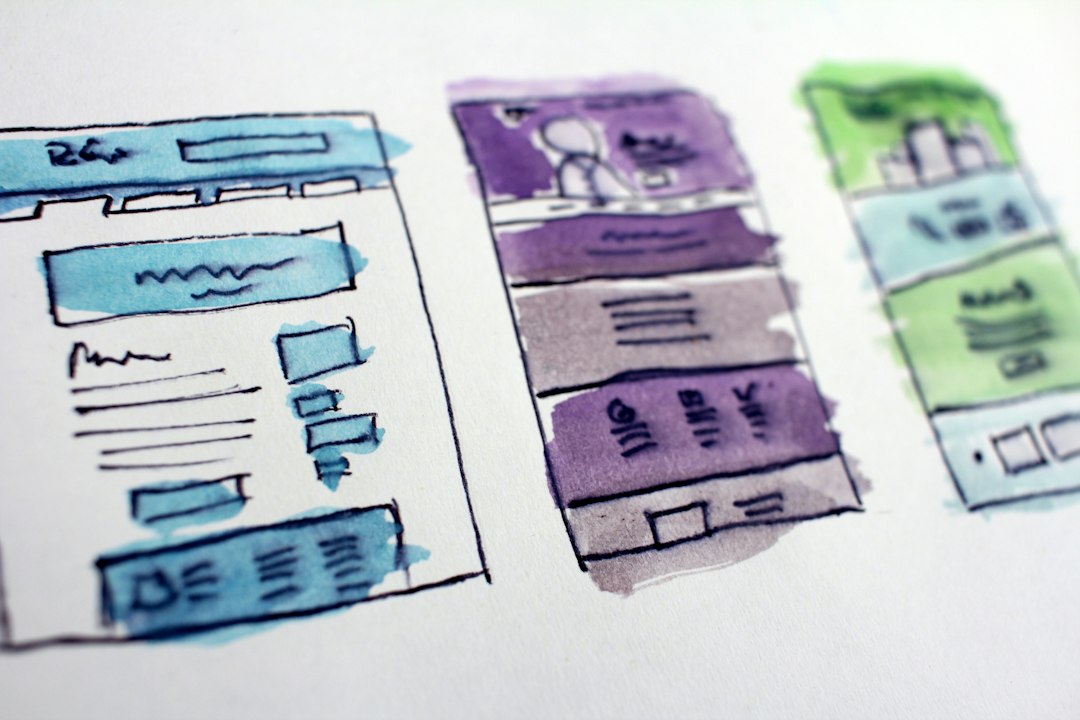
Interactive design and animation
For interactive websites, both platforms can produce strong results. The difference is how much control you need.
Webflow Interactions support scroll effects, hover states, click triggers, page load animations, timed movement, and element-based changes. You can build sticky sections, reveal effects, parallax-style movement, modal openings, tabs, accordions, and more. The system is powerful. It can also become fussy. Honestly, it feels like some basic animation edits take 20 seconds longer than they should because you keep moving through panels, triggers, and class settings.
Framer is more pleasant for visual motion. Transitions, overlays, scroll effects, and component states feel natural. It is very good for product storytelling, hero sections, app previews, pricing pages, and startup launch pages. Designers can create pages that feel close to high-end prototypes, then publish them as real sites.
If your site needs rich marketing motion, Framer has the edge. If it needs complex reusable interaction patterns across many templates, Webflow is usually the better tool.
CMS, content, and scale
This is where Webflow separates itself.
Webflow’s CMS is mature and practical. You can create collections for blog posts, case studies, authors, legal pages, events, locations, product categories, and resource libraries. You can design one template and reuse it across hundreds or thousands of items. The CMS editor is clear enough for marketing teams, even if setup still requires someone who understands structure.
Framer also has CMS features, and they are improving. For smaller content hubs, they can be enough. A startup blog, changelog, customer story page, or simple resource section can work well. But for deeper content operations, Webflow feels more stable and more complete.
- Pick Webflow for large blogs, resource libraries, SEO programs, gated content, and content workflows.
- Pick Framer for launch pages, portfolio sites, campaign microsites, and early-stage SaaS websites.
- Be careful with Framer if your information structure may double every quarter.
It drives me crazy when teams choose the faster builder, then six months later rebuild the whole site because the blog, templates, redirects, and permissions became painful. That is not a design problem. It is a planning problem.
SEO and performance
Both platforms can support solid SEO basics. You can edit titles, meta descriptions, Open Graph data, headings, alt text, slugs, and indexing settings. Both can also produce fast pages when designers avoid bloated visuals and oversized videos.
Webflow gives more comfort to teams that care about technical SEO. It handles redirects, canonical settings, sitemap controls, structured content, clean templates, and content publishing in a familiar way. Agencies and SEO teams tend to trust it because the controls are visible and detailed.
Framer can rank well too. It is not just a prototype tool anymore. Still, it fits best when SEO is important but not massive. If your plan includes 500 educational articles, 80 comparison pages, 40 templates, and strict internal linking rules, Webflow is the more serious choice.
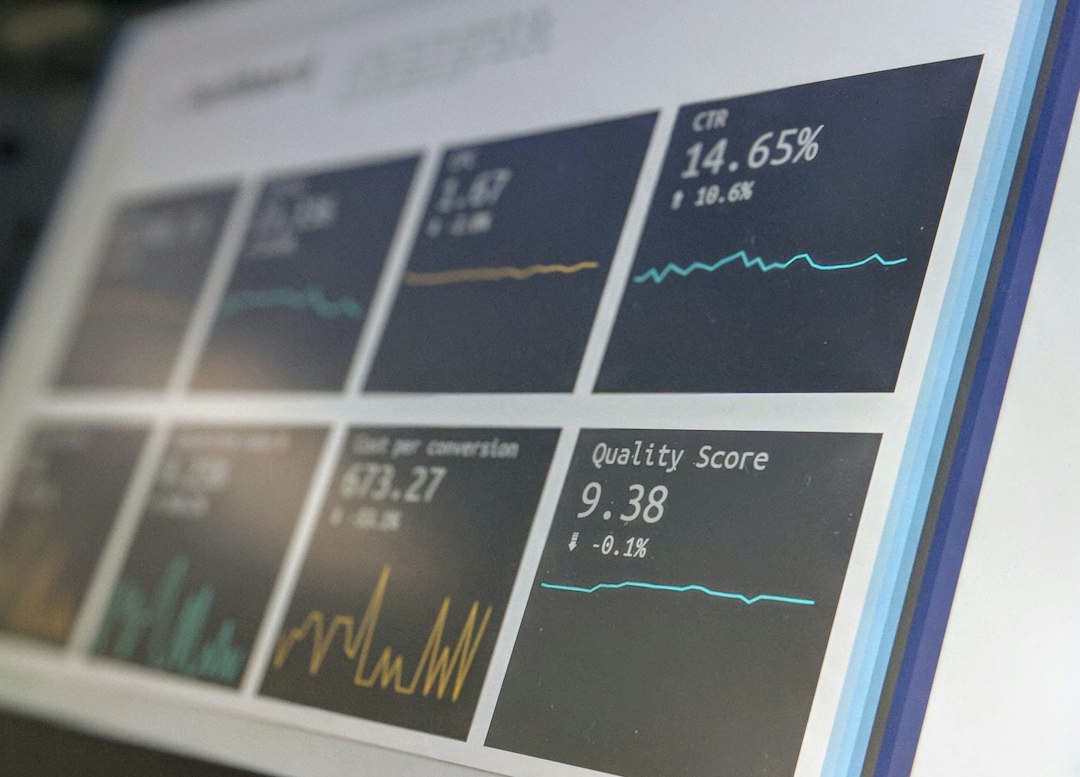
Design workflow and team fit
Framer feels closer to modern design software. That matters. Designers can move fast without translating every detail into a separate build process. If the same team owns design and website execution, Framer can cut meetings, handoff friction, and waiting time.
Webflow has a steeper learning curve. Classes, symbols, components, breakpoints, CMS fields, and interactions all need discipline. A poor Webflow build can become hard to maintain. A good one can run for years.
For agencies, Webflow is often easier to standardize. Teams can create naming systems, reusable sections, CMS structures, and client editor access. For lean startups, Framer may feel more rewarding because the path from idea to published site is shorter.
Pricing and ownership
Pricing changes, so compare current plans before deciding. The bigger issue is not the monthly fee. It is the cost of rebuilding, maintaining, and training people.
Webflow can cost more in setup time. You may need a specialist for a clean build. But the site can support more roles, more content, and more structured growth.
Framer can cost less in early labor. A designer can create and publish quickly. But if requirements become more advanced, the team may need workarounds or a migration.
Ask one blunt question: Will this website mostly sell one product, or will it become a content and conversion system? The answer usually points to the right platform.
Best use cases
- Use Webflow for B2B websites, agency client sites, content marketing hubs, SEO programs, universities, SaaS resource centers, and websites with many reusable templates.
- Use Framer for startup landing pages, product launches, personal sites, portfolios, waitlist pages, design-led SaaS sites, and investor-facing pages.
- Use Webflow when marketers will publish often and need guardrails.
- Use Framer when visual quality and speed matter more than deep content operations.
Final recommendation
If the site must grow, choose Webflow. It is the better long-term system for interactive sites with content, SEO, templates, editors, and governance. It asks for more patience, but it pays back that effort when the site becomes a real business asset.
If the site must impress quickly, choose Framer. It is faster for beautiful interactive pages, especially when designers own the whole process. It is ideal for launches, campaigns, and lean teams that need high visual quality without a long build cycle.
The serious answer is simple: Webflow is a website platform with strong design control. Framer is a design-first publishing tool with excellent motion. Pick the one that matches the future workload, not just the first week of design.