
The iPad mini 7 is the best buy if you want a small iPad with serious power, but it is not the best value if you mainly watch video at home. Apple updated it with the A17 Pro chip, Apple Pencil Pro support, 128GB base storage, and a $499 starting price [source: Apple].
TLDR: The iPad mini 7 is a strong pick for reading, note-taking, travel, gaming, and light creative work. For example, a student who carries it for 3 classes can use Apple Pencil Pro for notes, read PDFs, and still fit it in a small bag. The biggest upgrades are the A17 Pro chip, 128GB starting storage, Wi-Fi 6E, and Apple Intelligence support. If you already own the iPad mini 6, the upgrade is useful but not urgent unless you need more speed or Pencil Pro features.
What is new with the iPad mini 7?
The iPad mini 7 keeps the same small 8.3-inch feel that made the mini popular. It is light, easy to hold, and much easier to carry than an 11-inch iPad. The main change is inside. The A17 Pro chip gives it far more headroom for apps, games, photo edits, and Apple Intelligence features.
This matters because the mini is no longer just a “small reader.” It can now handle demanding work better than most compact tablets. You can mark up large PDFs, edit photos, run split-screen apps, and play high-end games without feeling like you bought the weak model.
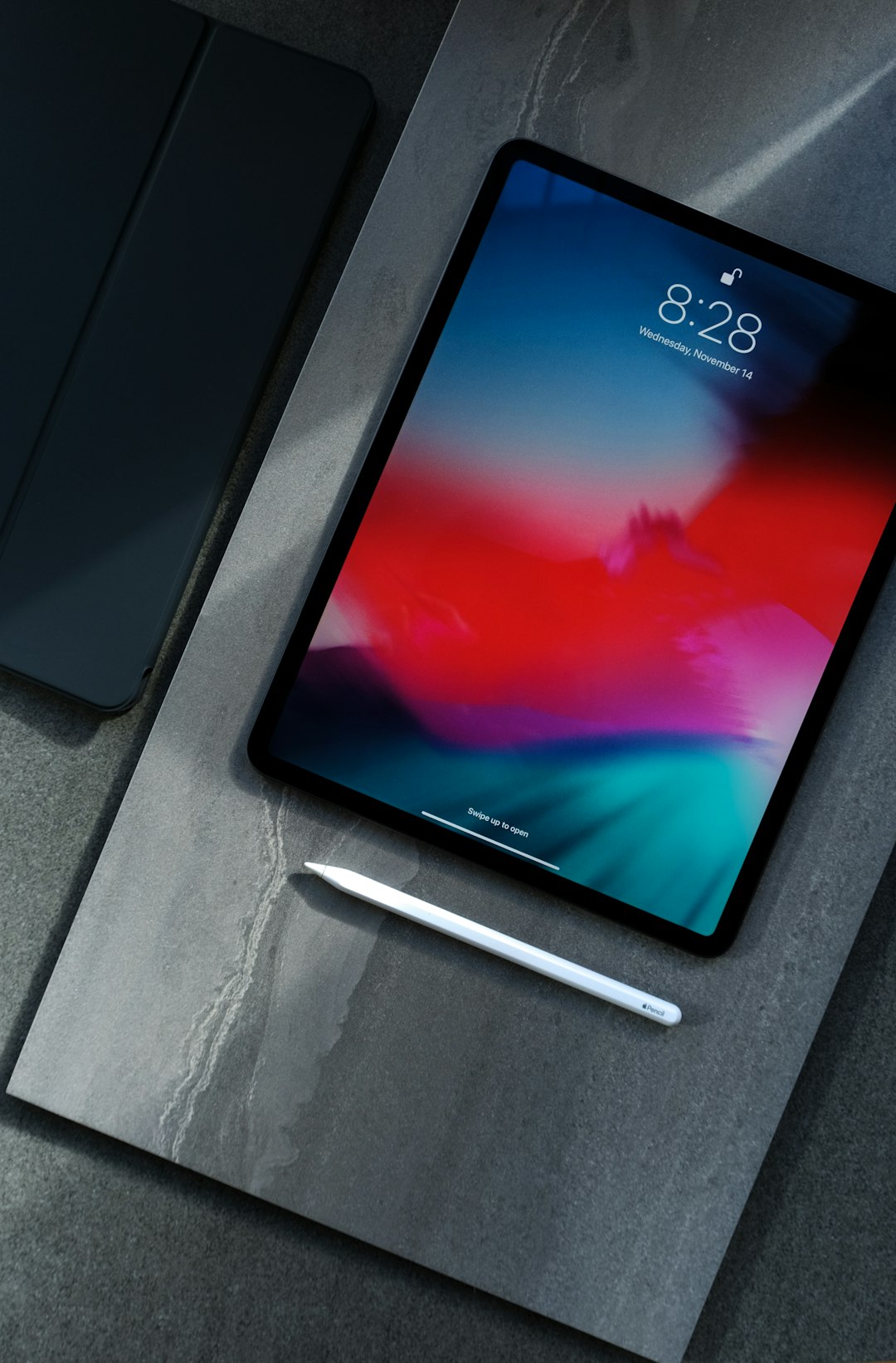
Key specs at a glance
- Display: 8.3-inch Liquid Retina display
- Chip: A17 Pro
- Storage: 128GB, 256GB, or 512GB
- Apple Pencil: Supports Apple Pencil Pro and Apple Pencil USB C
- Rear camera: 12MP wide camera
- Front camera: 12MP Ultra Wide camera
- Connectivity: Wi-Fi 6E, optional 5G cellular
- Port: USB-C
- Security: Touch ID in the top button
- Battery: Up to 10 hours of web use or video watching on Wi-Fi, according to Apple’s listed specs [source: Apple]
Display and design
The 8.3-inch screen is sharp and bright enough for most indoor use. Text looks clean. Comics, books, websites, and notes fit well on the screen. The size is the real reason to buy this iPad. It sits between a large phone and a full-size tablet.
The catch is the display still runs at 60Hz. That is fine for reading and writing. It feels less smooth than an iPad Pro or some premium phones. If you scroll a lot, you may notice it. It drives me a little crazy that Apple still keeps higher refresh rates away from this model.
The design is familiar. Slim bezels. Flat sides. USB-C. Touch ID in the top button. It is modern, but not flashy. That is not a bad thing. For a travel tablet, simple is better.
Performance and Apple Intelligence
The A17 Pro is the main reason this model exists. It gives the iPad mini 7 enough power for Apple Intelligence features, newer games, photo work, and better long-term app support. If you keep devices for four or five years, this is a serious point in its favor.
For daily use, it feels fast. Apps open quickly. Safari tabs hold up better than on older basic iPads. Games run well. Creative apps are more practical now, though the small screen can still feel tight for video editing or detailed drawing.
For writers, doctors, pilots, field workers, and students, the speed matters less than the form factor. You can hold it in one hand and still run real iPad apps. That mix is rare.
Apple Pencil Pro support
Apple Pencil Pro support is one of the best upgrades. It adds features like squeeze controls, haptic feedback, and barrel roll support in compatible apps. For note-taking, sketching, and marking documents, it makes the mini feel more complete.
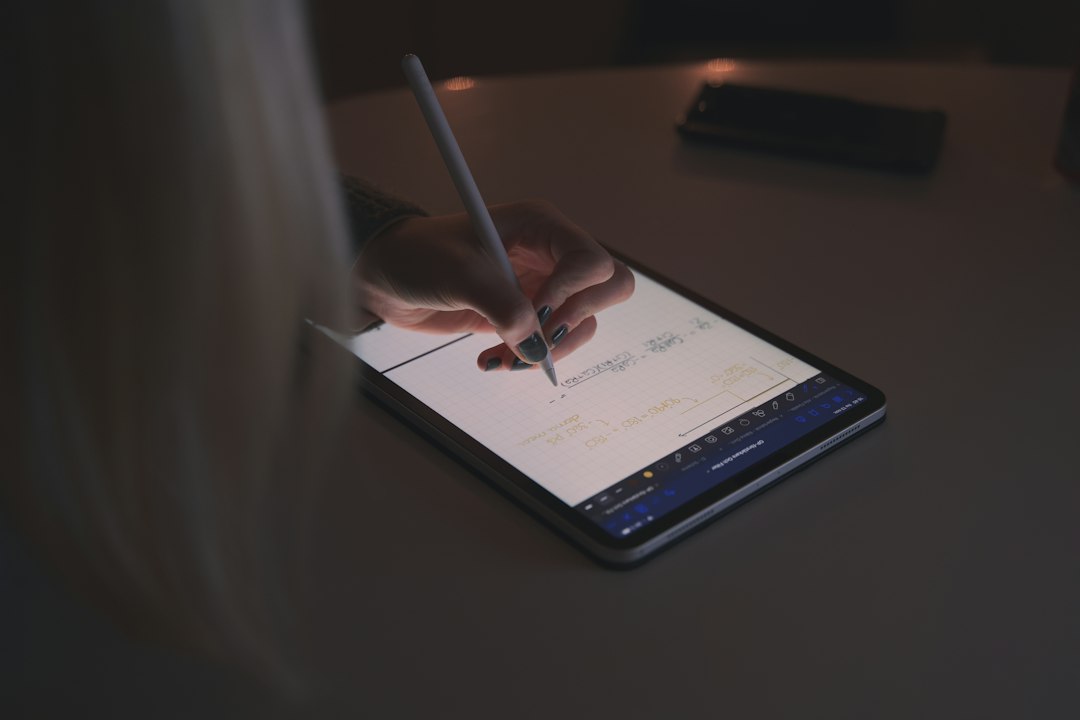
If you mostly type, you may not need it. But if the mini is replacing a paper notebook, the Pencil Pro is worth pricing in from the start. Honestly, the tablet feels only half-finished without a pencil if your main use is notes.
Storage choices
The move to 128GB base storage is a welcome fix. The old 64GB starting point felt cramped too quickly. With 128GB, most people can store apps, notes, books, photos, games, and offline video without constant cleanup.
- 128GB: Best for reading, notes, streaming, email, and light gaming.
- 256GB: Better for students, travelers, and users who download lots of media.
- 512GB: Best for large photo libraries, offline files, or heavy creative work.
Expect to spend more than the base price if you add Apple Pencil Pro, a case, and cellular. That can push the total much closer to laptop money.
Who should buy it?
- Buy it if you want the smallest iPad with long-term performance.
- Buy it if you read, annotate PDFs, take handwritten notes, or travel often.
- Buy it if you want Apple Intelligence support in a compact tablet.
- Skip it if you mainly watch movies at home. A larger iPad is better.
- Skip it if you need a laptop replacement. The screen is too small for that.
Wi-Fi or cellular?
The Wi-Fi model is enough for most buyers. Phone hotspot sharing works well, and it saves money. The cellular model makes sense if you travel often, work outside an office, or use the iPad for maps, client notes, inspections, or medical records.

Cellular also adds peace of mind. You do not have to hunt for public Wi-Fi. Still, the added cost is only worth it if you will use it every week.
Bottom line
The iPad mini 7 is a focused product. It is not the cheapest iPad. It is not the best movie screen. It is not a full laptop replacement. But as a compact, fast, premium tablet, it makes a lot of sense.
Most buyers should choose the 128GB Wi-Fi model and add Apple Pencil Pro only if they take notes or draw. Pick 256GB if you store lots of files or travel often. Upgrade from the iPad mini 6 only if you want better performance, more storage, Apple Intelligence, or Pencil Pro support.