
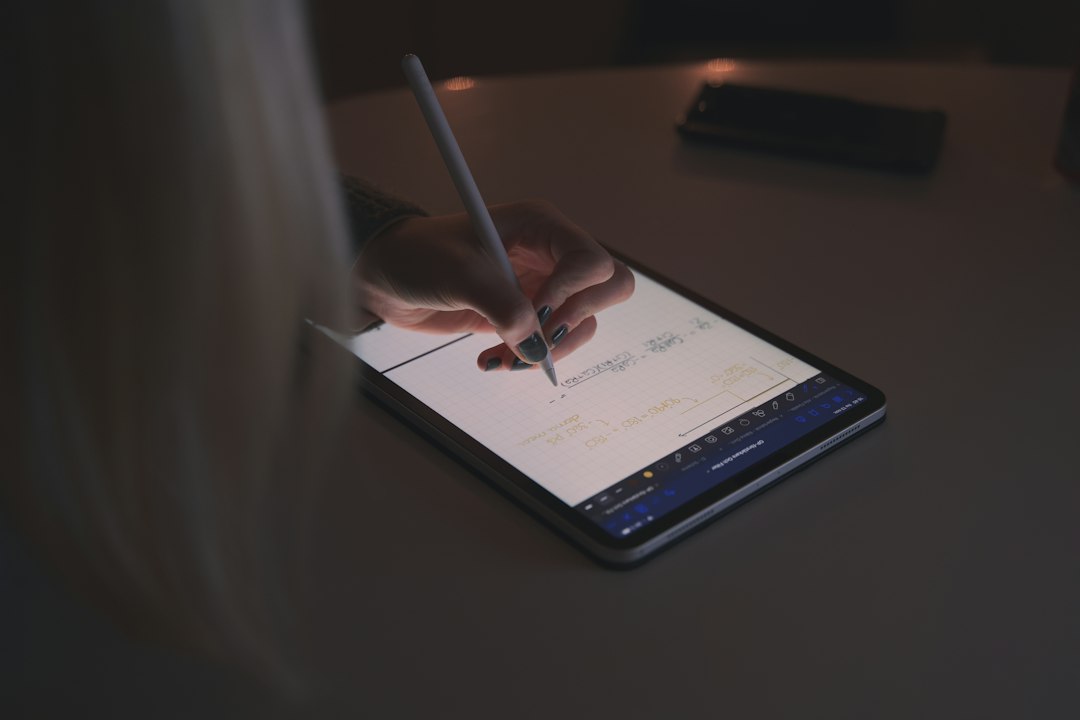
The regular iPad makes more sense for most people, while the iPad Air is the better pick for buyers who need extra power, better accessory support, or a larger screen. Apple lists the current iPad from $349 and the iPad Air from $599, so the price gap starts at $250 before accessories are added [source: Apple].
TLDR: The iPad is the smarter buy for casual use, school notes, streaming, browsing, and family sharing. The iPad Air is worth the extra money if the buyer edits video, draws often, wants an 11-inch or 13-inch screen, or plans to use Apple Intelligence features. For example, a student spending 70% of tablet time on PDFs, YouTube, and email will likely be fine with the cheaper iPad. A creator exporting 4K clips or using layers in Procreate will feel the Air’s speed more often.
The difference is not just price. It is about what the tablet is expected to do every day. The base iPad feels modern, bright, and quick for normal tasks. The iPad Air feels more serious. It has a stronger chip, better accessory options, and a cleaner path for heavier creative work.
Design and display
Both tablets look like modern iPads. They have flat edges, slim bezels, USB-C, and a power button with Touch ID. The regular iPad comes with an 11-inch Liquid Retina display. The iPad Air comes in 11-inch and 13-inch sizes.
That 13-inch option is a big deal. It makes split-screen work easier. It also gives artists more room to draw. A buyer who reads textbooks, marks up PDFs, or works with spreadsheets will notice the extra space fast.
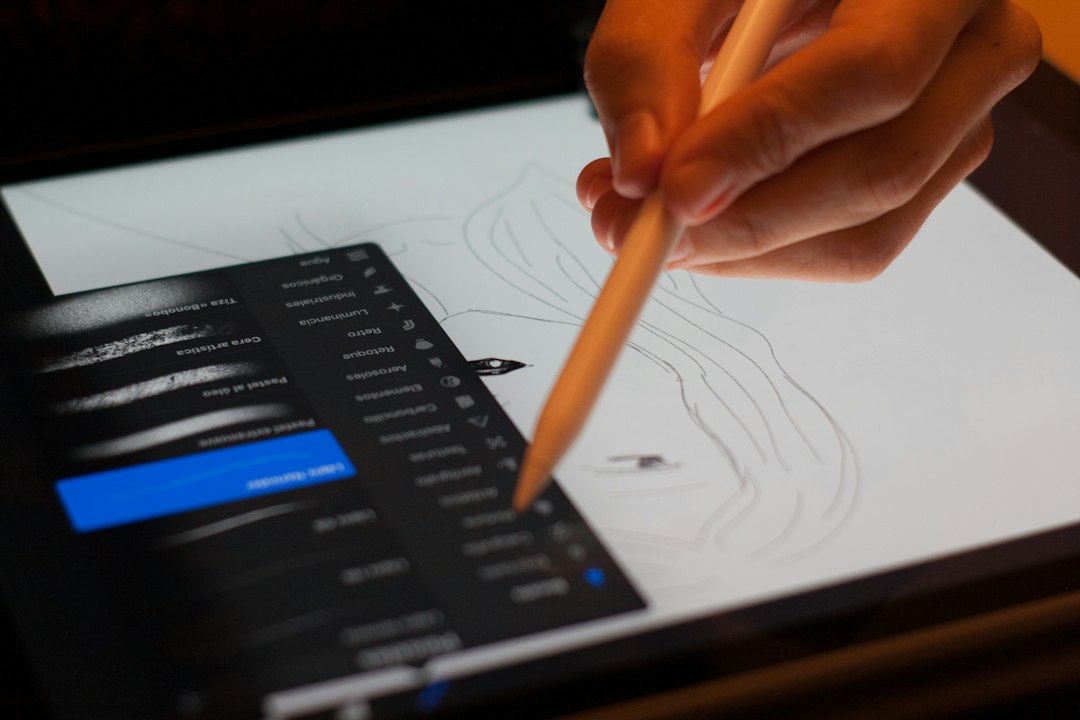
Still, the regular iPad screen is not bad. It is sharp, colorful, and good enough for Netflix, FaceTime, games, and reading. The Air’s display has better anti-reflective coating and is fully laminated, so writing with Apple Pencil feels closer to the glass. It sounds small. It does not feel small to artists.
Performance: the biggest split
The regular iPad uses Apple’s A16 chip. It is more than enough for web browsing, video calls, light photo edits, notes, and common games. Apps open quickly. Battery life is strong. Most families will not hit its limits.
The iPad Air uses the M3 chip. That puts it much closer to laptop-level performance. It handles heavier apps with less strain. Video editing, large photo files, music projects, and multitasking feel smoother.
The catch is that many people will never use that extra power. Buying the Air for email and streaming is like buying running shoes for walking to the mailbox. Nice, but not needed.
Apple Intelligence and software support
This is where the iPad Air pulls ahead. Apple Intelligence requires newer Apple silicon, and the M-series iPad Air supports it. The A16 iPad does not. Apple says Apple Intelligence works on iPad models with M1 or later chips [source: Apple].
That matters for buyers who care about writing tools, image tools, smarter Siri features, and future AI updates. Honestly, it feels a bit annoying that a new regular iPad can miss those features while still costing several hundred dollars. For someone planning to keep a tablet for five or six years, this point carries weight.
Accessories and typing
- Regular iPad: Works with Magic Keyboard Folio and Apple Pencil USB-C.
- iPad Air: Works with Magic Keyboard, Apple Pencil Pro, and Apple Pencil USB-C.
The iPad Air has the better setup for serious typing and drawing. Apple Pencil Pro adds squeeze controls, barrel roll, and haptic feedback. Artists and note-takers may love that. The regular iPad still handles notes well, but its accessory setup feels less polished.
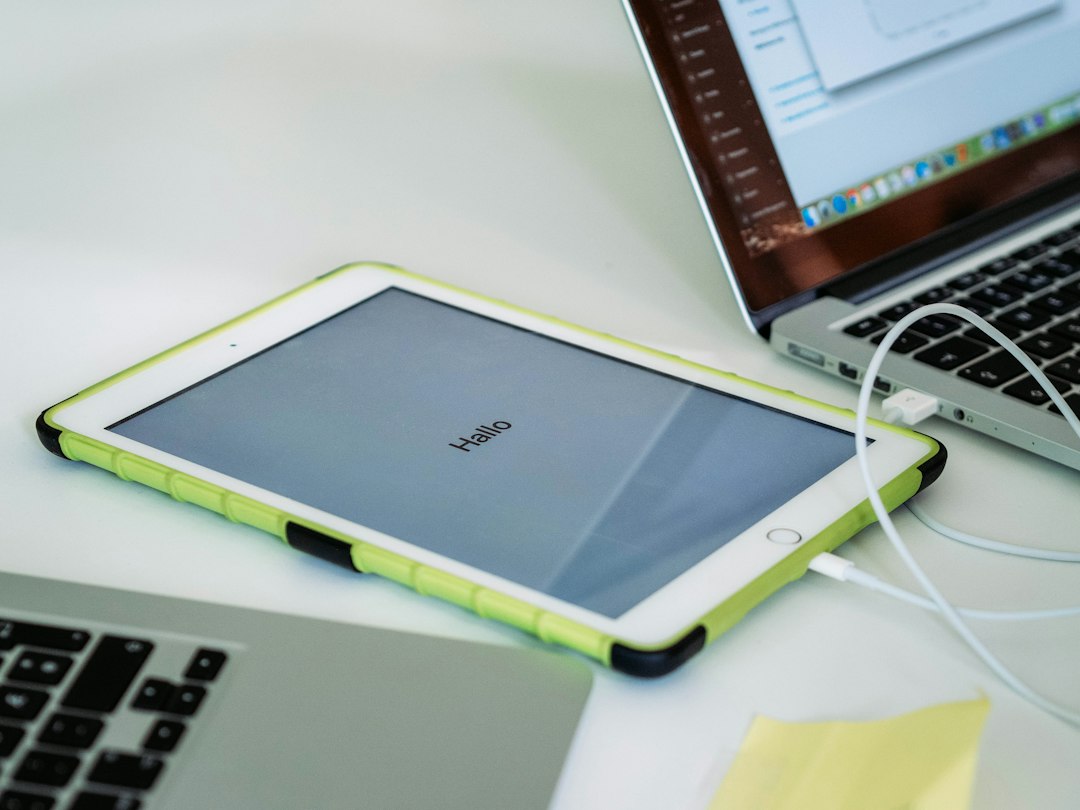
The Magic Keyboard Folio for the regular iPad is useful, but it is not cheap. Once a keyboard and Pencil are added, the “budget” iPad can creep close to Air pricing. That is where buyers should pause and do the math.
Battery life and storage
Both models are rated for up to 10 hours of web browsing or video over Wi-Fi. In real use, either tablet should last through a school day or a long flight. Gaming and video editing drain them faster.
Storage is more important than many buyers think. The base storage may be fine for streaming and cloud files. It gets tight for downloaded movies, big games, RAW photos, and offline projects. Expect to waste time deleting apps if storage is chosen too low.
Which one should different buyers choose?
- Best for families: The regular iPad. It is cheaper, simple, and great for shared use.
- Best for students: The regular iPad for basic notes; the Air for art, design, or laptop-style work.
- Best for artists: The iPad Air, mainly because of Apple Pencil Pro and the laminated display.
- Best for work: The iPad Air, especially with Magic Keyboard and the 13-inch screen.
- Best value: The regular iPad, if no advanced features are needed.
Final verdict
The regular iPad is the sensible choice for most buyers. It covers the basics well and costs much less. It is the tablet for browsing, schoolwork, streaming, recipes, games, and FaceTime.
The iPad Air is for people who already know why they need more. It is faster, more flexible, and better for creative work. It also has better long-term upside because of M-series power and Apple Intelligence support.
If the buyer is unsure, the regular iPad is probably enough. If the buyer plans to draw, edit, multitask, or replace a laptop part of the time, the iPad Air makes more sense.
FAQ
Is the iPad Air worth the extra money?
Yes, for artists, students in creative fields, frequent multitaskers, and buyers who want Apple Intelligence. For casual users, the regular iPad is usually the better deal.
Can the regular iPad replace a laptop?
Only for light work. It can handle email, documents, video calls, and browsing. The iPad Air is better for heavier laptop-style use.
Which iPad is better for drawing?
The iPad Air is better. It supports Apple Pencil Pro and has a display that feels more natural for drawing.
Which tablet is better for kids?
The regular iPad is the better choice for most kids. It costs less and still handles games, videos, learning apps, and FaceTime well.
Should buyers get more storage?
Yes, if the tablet will store games, videos, photos, or creative files. Light users who rely on cloud storage can often stay with the base model.