
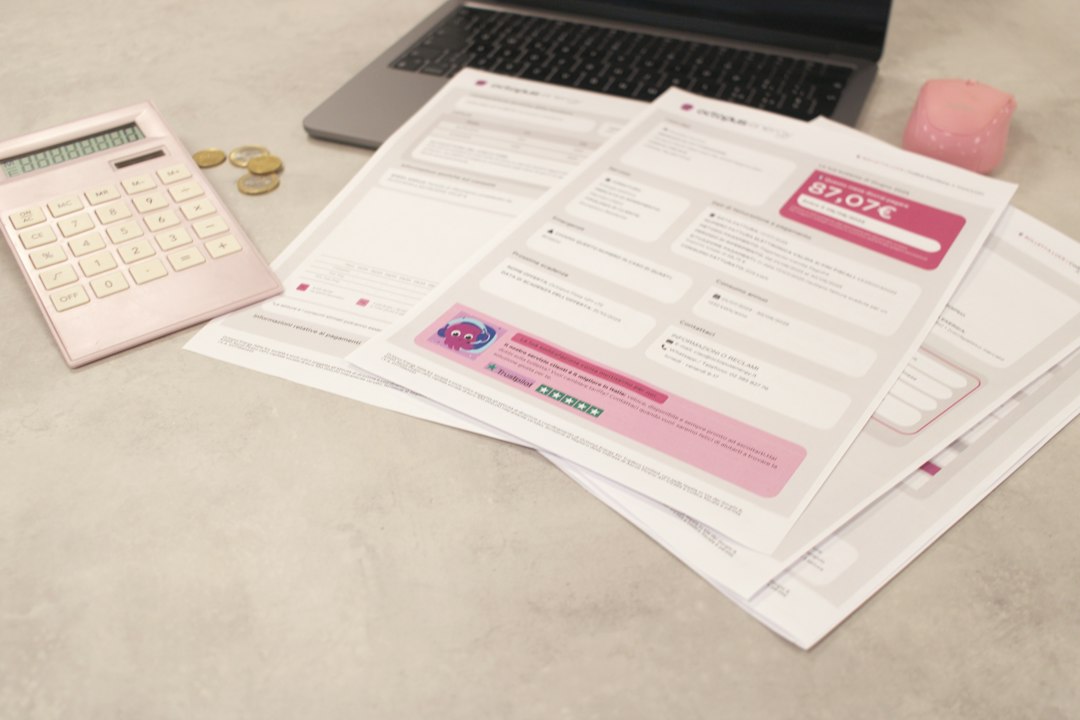
The best invoice management software should capture invoices, route approvals, match payments, and keep accounts payable audit-ready without forcing staff to chase emails. That matters because processing costs vary widely; APQC benchmark data shows large gaps between efficient and inefficient accounts payable teams [source: APQC]. The right platform will not fix poor vendor data by itself, but it can remove a lot of slow, manual work.
TLDR: If your team handles more than 500 invoices a month, invoice management software can cut hours from capture, approval, and reconciliation. For example, a finance team that reduces manual touches by 40% can reclaim several days each month for exception handling and cash planning. Start with Stampli or BILL for mid-market AP, Tipalti for supplier payments at scale, and Coupa or SAP Concur Invoice for larger procurement-led teams.
What to look for first
A serious invoice tool should cover four jobs well:
- Invoice capture: OCR, email ingestion, PDF reading, and vendor data extraction.
- Approval automation: Rules by amount, department, entity, purchase order, or cost center.
- Payment reconciliation: Matching payments to bills, bank activity, and accounting records.
- Accounts payable controls: audit trails, duplicate checks, tax fields, and role-based access.
The catch is that many tools demo well, then struggle with messy invoices, partial receipts, and vendors who send three versions of the same bill. Test with your real invoices before signing.
8 invoice management platforms worth reviewing
1. Tipalti
Best for: companies with high payment volume, global suppliers, and multi-entity needs.
Tipalti combines invoice processing, supplier onboarding, tax form collection, payment runs, and reconciliation. It is strong when AP is tied to vendor risk and international payments. The approval workflow is solid, and payment status tracking is clear. Smaller teams may find it heavier than they need, especially if they only want simple bill approval.
2. BILL
Best for: small and mid-sized businesses that want AP and payment processing in one place.
BILL is popular because it keeps the process simple. Users can upload invoices, assign approvers, schedule payments, and sync with accounting systems such as QuickBooks and Xero. It works well for lean finance teams. Expect some limits if your approval rules are complex or if you run many entities with strict controls.
3. Stampli
Best for: AP teams that need better invoice collaboration and faster approvals.
Stampli centers the workflow around each invoice. Comments, approvals, coding, and history stay attached to the bill. That sounds basic, but it saves real time when buyers, managers, and AP staff disagree over a charge. Honestly, it feels like many older systems forgot that people still need to talk about invoices.
4. Airbase
Best for: businesses that want AP, corporate cards, reimbursements, and spend controls together.
Airbase is more than invoice software. It helps manage non-payroll spend across bills, card transactions, purchase requests, and reimbursements. This is useful for companies that want tighter budget control before an invoice arrives. It may be too broad if your only goal is invoice capture and basic payment matching.

5. Coupa
Best for: enterprise procurement teams with formal purchasing and supplier processes.
Coupa is built for spend management. Invoice automation sits inside a wider system covering procurement, suppliers, contracts, and expenses. It is a strong fit when invoices need to match purchase orders, receipts, and contract terms. Setup can take time, so it suits organizations that can support a structured rollout.
6. SAP Concur Invoice
Best for: companies already using SAP Concur for travel and expense.
SAP Concur Invoice helps centralize invoice intake, approvals, and AP visibility. It is useful for organizations that want one place for expense and invoice workflows. Its value increases when tied to broader SAP finance systems. The interface can feel rigid at times, so training matters.
7. DocuWare
Best for: teams that need document management plus invoice automation.
DocuWare is strong in document capture, storage, indexing, and workflow routing. It works well where invoices are part of a larger document process, such as contracts, delivery notes, and compliance files. It may require more configuration than plug-and-play AP tools, but its archiving and audit features are reliable.
8. Rossum
Best for: finance teams focused on smart invoice capture and data extraction.
Rossum uses AI-based document reading to capture invoice fields from varied layouts. This is useful if vendors send inconsistent PDFs or scanned documents. Its strength is front-end capture. You may still need a separate AP or ERP workflow for approvals, payments, and full reconciliation.
How to choose the right one
- Count invoice volume. A team handling 100 invoices a month has different needs than one handling 10,000.
- Map approval rules. List who approves by amount, vendor, entity, and department.
- Check ERP and accounting sync. Bad sync creates duplicate work. It drives me crazy when teams automate capture, then retype data into the ledger.
- Test exception handling. Use duplicate invoices, missing PO numbers, credit notes, and partial payments.
- Review controls. Look for audit logs, segregation of duties, vendor validation, and payment approval limits.
Practical recommendation
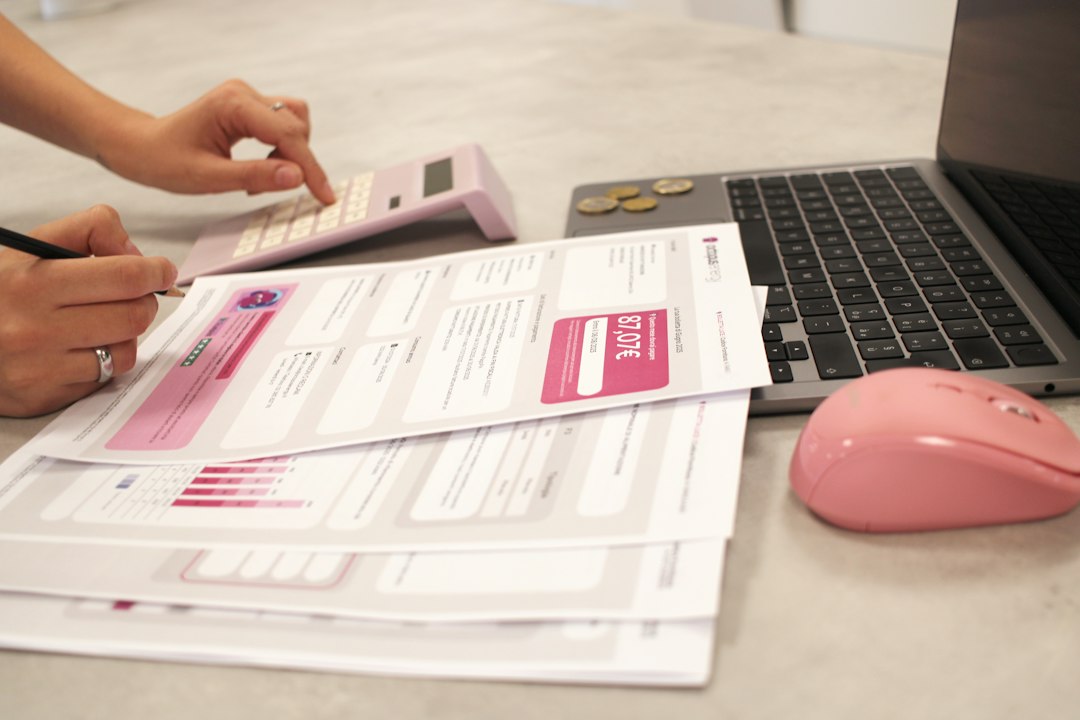
For a small finance team, start with BILL. It is direct and easy to adopt. For a mid-market AP team that needs better approval conversations, review Stampli. For global supplier payments, put Tipalti on the shortlist. For enterprise procurement control, compare Coupa and SAP Concur Invoice.
The final choice should depend on real invoices, not sales slides. Run a pilot with 50 to 100 recent invoices. Include clean bills, messy scans, PO invoices, non-PO invoices, and payment exceptions. If the software handles those without extra spreadsheets, it is worth serious consideration.