

The best Kumospace alternative depends on whether you need a virtual office, a social event space, or a lighter video tool your team will actually use. Hybrid work is not a side trend anymore; Gallup reported that 53% of remote-capable U.S. employees worked hybrid, which explains why teams keep testing spatial meeting tools instead of living inside standard video calls [source: Gallup].
TLDR: If you want the closest Kumospace feel, try Gather or SoWork. If you host webinars, networking nights, or investor demos, Remo and SpatialChat usually make more sense. For example, a 40-person remote team could use Gather for daily coworking, then switch to Remo for a 200-person customer event without forcing guests to learn a full virtual office setup.

1. Gather
Best for: playful virtual offices and team coworking.
Gather is one of the strongest Kumospace alternatives because it keeps the “walk around and talk” idea simple. Users move through pixel-style rooms, join conversations by proximity, and build meeting spaces that feel more like a small office than a call grid.
- Good: fun maps, easy casual chats, strong team presence.
- Annoying: large spaces can feel messy if nobody sets rules.
- Use it for: daily standups, coworking rooms, team lounges, onboarding.
2. SoWork
Best for: remote teams that want an office vibe without too much setup.
SoWork focuses on virtual headquarters. You get avatars, meeting rooms, team areas, and ambient presence. It feels more polished than many spatial tools. Honestly, it feels like one of the few products in this category that remembers managers still need structure.
- Good: clean interface, team rooms, solid daily use features.
- Annoying: it may be too office-like for one-off events.
- Use it for: distributed teams, agencies, product squads, support teams.
3. Remo
Best for: interactive webinars, workshops, and networking events.
Remo is less about a permanent office and more about event flow. Attendees sit at virtual tables, move between conversations, and join presentations when needed. It works well when you want guests to talk before and after the main session.
- Good: table-based networking, event controls, sponsor areas.
- Annoying: setup can take longer than expected for first-time hosts.
- Use it for: conferences, community meetups, hiring fairs, demo days.

4. SpatialChat
Best for: casual events and social video rooms.
SpatialChat uses proximity audio and visual rooms. Move closer to someone, and their voice gets louder. Move away, and it fades. Simple. That small detail makes online networking feel less stiff.
The catch is that some teams may find it too loose for serious project work. For events, though, it shines. It is great for happy hours, poster sessions, open networking, and community hangouts.
5. Welo
Best for: branded online spaces and client-friendly collaboration.
Welo gives teams customizable virtual rooms with video, audio, and embedded content. It has a more polished business feel than cartoon-style tools. That helps when clients, partners, or executives are invited.
- Good: branded spaces, clean layouts, event-friendly rooms.
- Annoying: less playful than Gather or SpatialChat.
- Use it for: client workshops, coaching programs, partner meetings.
6. WorkAdventure
Best for: teams that want control and custom virtual worlds.
WorkAdventure is a flexible option with map-based rooms, avatars, and video chat. It is popular with teams that want a custom space rather than a standard template. Developers and community managers may like it because it can be shaped around specific workflows.
Expect to waste time on map planning if you overbuild it. A simple layout is usually better. Think reception area, team zone, quiet rooms, and a social corner. A shared office should feel like a virtual walk, not a scavenger hunt.
7. Butter
Best for: workshops, training, and high-energy team sessions.
Butter is not a full virtual office, but it earns a spot because many teams do not need one. They need better online workshops. Butter combines video, agendas, polls, breakout rooms, reactions, timers, and collaboration tools in one place.
- Good: excellent facilitation tools, fun interface, strong session design.
- Annoying: not built for always-on coworking.
- Use it for: retrospectives, training, design sprints, team offsites.
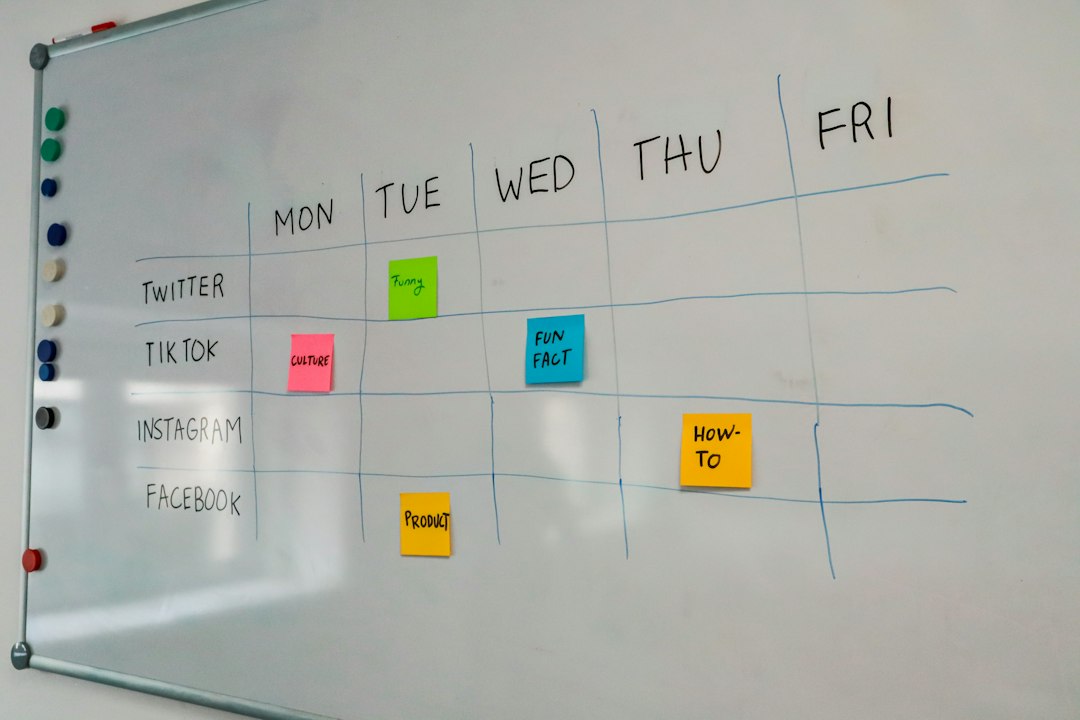
How to Pick the Right Kumospace Alternative
Start with the main job. If your team wants to “see” who is around during the workday, choose Gather, SoWork, or WorkAdventure. If you care more about polished events, choose Remo, Welo, or SpatialChat. If your pain is boring workshops, pick Butter.
Also check guest friction. Do people need an account? Does it run well in the browser? Can someone join in under 30 seconds? It drives me crazy when a tool looks great in a demo but makes guests fight camera permissions for five minutes.
Quick Recommendations
- Best all-around Kumospace replacement: Gather
- Best for a serious remote office: SoWork
- Best for networking events: Remo
- Best for casual social rooms: SpatialChat
- Best for branded client rooms: Welo
- Best for custom spaces: WorkAdventure
- Best for workshops: Butter
Final pick: choose Gather if you want the nearest Kumospace-style experience. Choose Remo if your main goal is events. Choose Butter if meetings are the problem, not the office itself.