
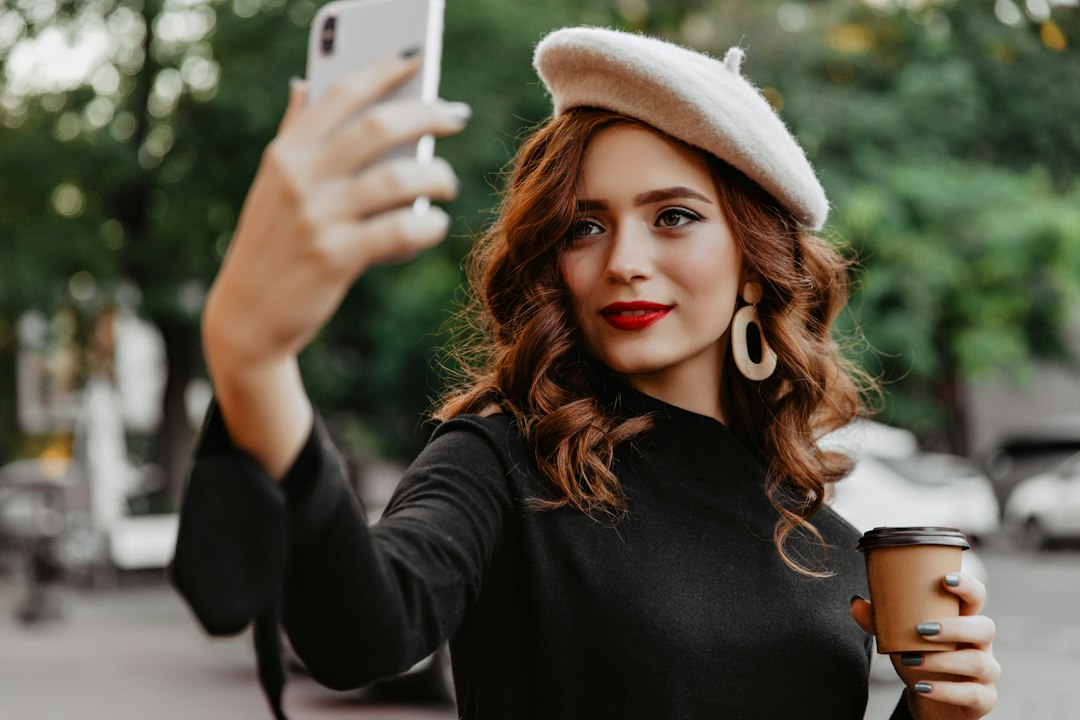
The best FaceTune alternative for most people is Lightroom if you want natural edits, and Canva if you want finished social posts. FaceTune is still popular, but it is not the only option for smoother skin, brighter portraits, or quick Instagram graphics. That matters because social platforms now reach more than 5 billion user identities worldwide, so your profile photo, creator content, and product shots carry real weight [source: DataReportal].
TLDR: If you edit selfies daily, try AirBrush or YouCam Makeup first because they are fast and easy. If you want a cleaner, less “filtered” look, Lightroom Mobile is the safest pick. For example, a small business owner could retouch 10 staff headshots in Lightroom, then turn three of them into square promo posts in Canva within 30 minutes. If your goal is social content, not just face edits, Canva and Picsart give you more room to play.
1. Adobe Lightroom Mobile: Best for Natural Portrait Enhancement
Lightroom Mobile is ideal when you want your portrait to look better, not fake. It handles skin tone, exposure, contrast, shadows, and color with real control. The healing tool can remove small marks, stray hairs, dust spots, and background distractions.
It is not as playful as FaceTune. You will not get one-tap glam filters everywhere. Still, that is the point. Lightroom is better for LinkedIn photos, dating profiles, creator portraits, and product founder shots.
- Best for: natural edits, color correction, professional portraits
- Strong point: excellent light and color control
- Annoyance: some of the best masking tools need a paid plan
Honestly, it feels like Lightroom makes you work a little harder at first, but the final photo usually ages better. You are less likely to post something that screams “edited app selfie.”
2. Snapseed: Best Free FaceTune Alternative
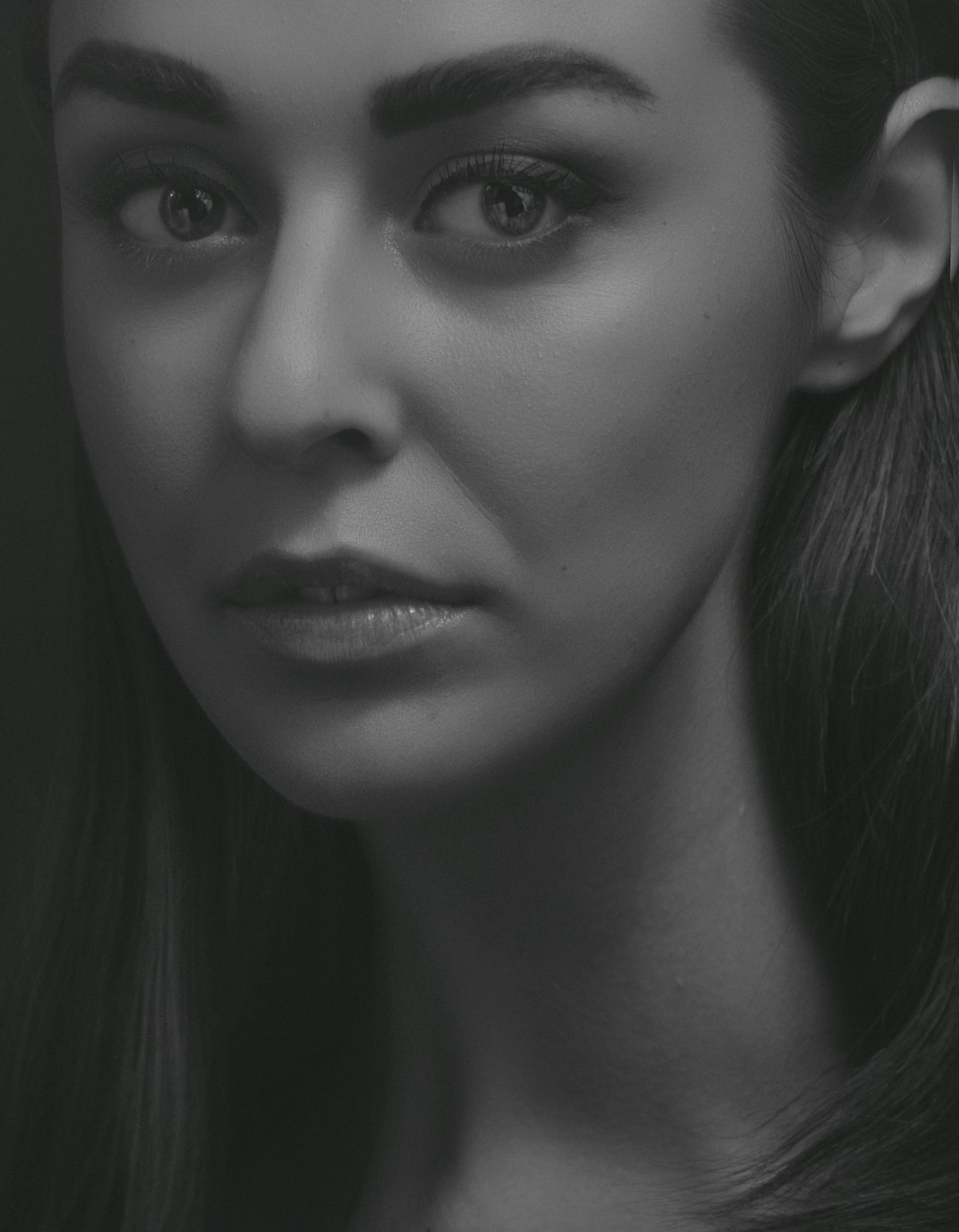
Snapseed is still one of the best free photo editors around. It has no heavy learning curve, no loud templates, and no messy home screen full of upsells. You can fix brightness, sharpen eyes, smooth texture, and adjust specific parts of the face with the Selective tool.
The Portrait tool is useful for quick face lighting. The Healing tool removes small blemishes. The Brush tool lets you brighten teeth or darken a bright forehead, if you use a light touch.
- Best for: free editing, quick fixes, natural touch ups
- Strong point: very capable without a subscription
- Annoyance: its interface feels a bit old now
Snapseed is a great pick if you hate subscriptions. It also works well for people who want more control than a beauty filter gives, but do not want to learn desktop software.
3. Canva: Best for Social Media Images
Canva is not a pure FaceTune clone. It is better described as a content creation tool with solid photo editing built in. You can clean up a portrait, remove a background, add brand colors, place text, and export a ready-to-post design.
This makes it useful for creators, coaches, real estate agents, students, and small business owners. A retouched headshot can become a YouTube thumbnail, Instagram story, event flyer, or carousel cover.
- Best for: Instagram posts, thumbnails, ads, profile graphics
- Strong point: huge template library
- Annoyance: some designs start to look the same if you use default templates
Good portrait edits share a lot with visual storytelling. The face matters, but so does the mood, crop, color, and message around it. Canva is strong because it handles all of that in one place.
4. Picsart: Best for Creative Edits and Trendy Content
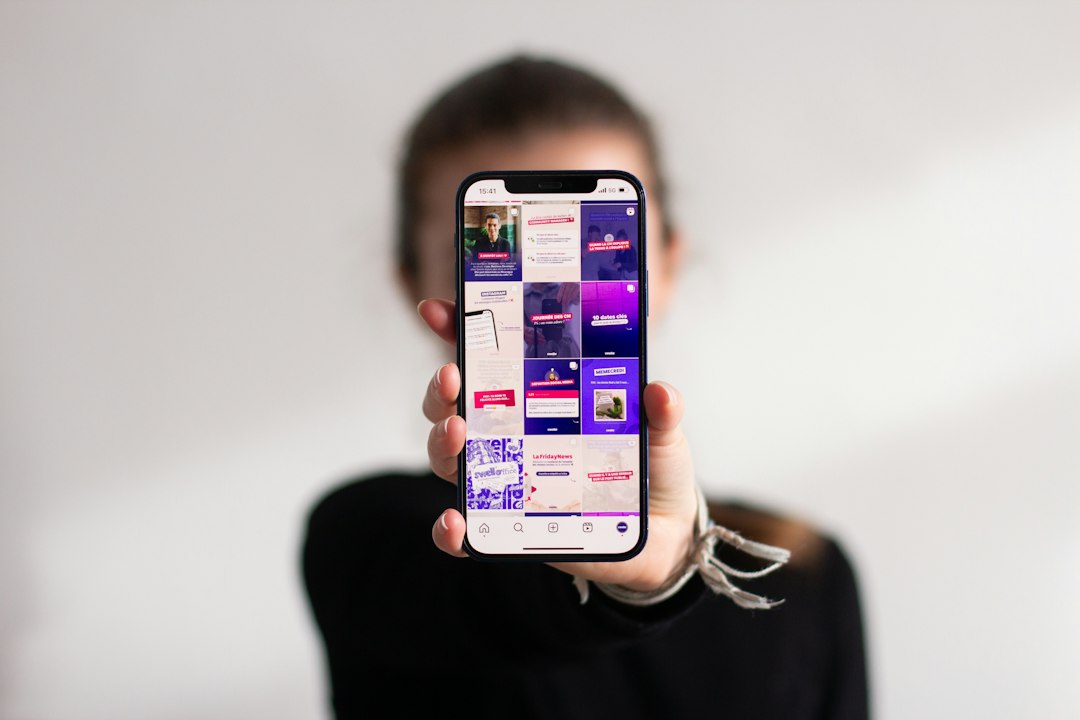
Picsart is for people who want more than polished skin. It has beauty tools, background removal, stickers, overlays, collage layouts, AI effects, and text tools. It is great for bold posts, fan edits, music promo graphics, and playful profile pictures.
The app moves quickly with trends. That is useful if you make TikTok covers, Instagram reels thumbnails, or Pinterest pins. It also has enough face retouching tools for smoothing, reshaping, and detail cleanup.
- Best for: creative edits, collages, trendy social posts
- Strong point: lots of effects and design tools
- Annoyance: expect to waste time closing upgrade prompts if you stay on the free plan
Picsart can go too far if you tap everything. That is the risk. Use one or two effects, not twelve. Your face should still look like your face.
5. AirBrush: Best for Fast Selfie Retouching
AirBrush is probably the closest match for people leaving FaceTune. It focuses on selfies and portraits. You get skin smoothing, acne removal, teeth whitening, eye brightening, reshaping, makeup effects, and background blur.
The main benefit is speed. You can fix a selfie in under a minute if the lighting is decent. That makes it handy before posting a story, updating a dating profile, or sending a polished headshot in a group chat.
- Best for: quick selfies, beauty edits, profile photos
- Strong point: simple retouching tools
- Annoyance: heavy smoothing can make skin look plastic fast
Which FaceTune Alternative Should You Choose?
Pick Lightroom if you care about realistic color and clean portraits. Choose Snapseed if you want a free editor that still has serious tools. Use Canva when the final goal is a social post, not just a better face photo.
Go with Picsart if your style is bold, colorful, and trend based. Choose AirBrush if you want the fastest beauty edits with the least effort.
The best setup is often two apps. Use Lightroom or Snapseed to fix the portrait. Then use Canva or Picsart to turn it into a post. That workflow keeps photos clean, sharp, and ready for the feed without making every image look overcooked.