
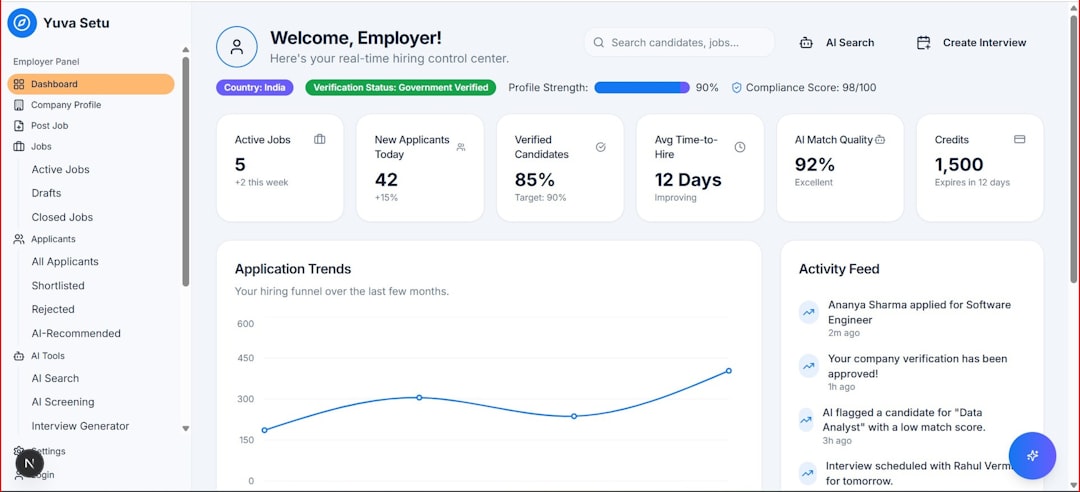
Project boards are the operational center of modern teamwork. When built well, they translate goals, tasks, ownership, timing, dependencies, and progress into one shared view. A strong board helps a project team reduce confusion, spot bottlenecks early, and keep work moving without relying on endless status meetings.
TLDR: An effective project board is simple, visible, and built around the way a team actually works. It should include clear workflow stages, well-defined tasks, owners, priorities, deadlines, and review routines. The best boards are not overloaded with detail; they guide decisions, reveal blockers, and help teams deliver work consistently.
Start with the Purpose of the Board
Before creating columns, labels, or task cards, a project leader should define what the board is meant to achieve. Some boards are designed for day-to-day task tracking, while others support strategic planning, sprint execution, editorial calendars, product launches, or client delivery. A board that tries to serve every purpose often becomes cluttered and difficult to maintain.
The board’s purpose should answer three key questions:
- What work needs to be visible? This may include tasks, milestones, approvals, risks, or deliverables.
- Who needs to use the board? Stakeholders, contributors, managers, and external partners may need different levels of detail.
- What decisions should the board support? These may include prioritization, resource allocation, timeline adjustments, or blocker resolution.
Once the purpose is clear, the structure becomes easier to design. A project board for software development will likely look different from one used by a marketing team, but both should make progress and responsibility obvious.
Choose a Workflow That Matches Reality
The most effective project boards reflect the actual path that work follows from idea to completion. A common structure includes columns such as Backlog, To Do, In Progress, Review, and Done. However, the best workflow is the one that mirrors the team’s process.
For example, a content team might use:
- Ideas
- Assigned
- Drafting
- Editing
- Approved
- Published
A product team might use:
- Discovery
- Ready for Development
- Development
- Testing
- Release
The key is to avoid creating too many stages. If every small step gets its own column, the board can become hard to scan. Each column should represent a meaningful status change, not just a minor activity.
Create Clear and Actionable Task Cards
A project board is only as useful as the cards it contains. Vague cards such as “Update website” or “Fix presentation” can create uncertainty. Strong task cards describe specific work and include enough context for the assigned person to act without repeated clarification.
Each task card should generally include:
- A clear title: The title should describe the action or deliverable.
- An owner: Every task should have one accountable person, even if several people contribute.
- A due date: Deadlines help the team understand urgency and sequencing.
- A description: This should explain scope, expectations, and important context.
- Acceptance criteria: The team should know what “done” means.
- Attachments or links: Relevant files, briefs, references, and documents should be easy to access.
Well-written cards reduce interruptions and prevent rework. They also make it easier for new team members or stakeholders to understand the current state of the project.
Use Priorities Without Overcomplicating Them
Prioritization is essential, but too many priority levels can create more noise than clarity. A simple system often works best. For example, the team might use High, Medium, and Low, or a more outcome-focused system such as Critical, Important, and Nice to Have.
Priorities should be based on project goals, deadlines, customer impact, risk, and dependencies. If everything is marked high priority, the label loses meaning. A strong project board helps the team understand what should be handled first, what can wait, and what may need escalation.
Make Ownership Visible
One of the biggest advantages of a project board is that it makes accountability visible. Each task should have a clearly assigned owner. Shared ownership may seem collaborative, but it can lead to confusion if no single person is responsible for moving the task forward.
A project manager or team lead should also monitor workload distribution. If one person has too many tasks in progress while others have available capacity, the board should make that imbalance easy to see. This visibility supports better planning and helps prevent burnout.
Limit Work in Progress
An effective board does not encourage the team to start everything at once. Too much work in progress often leads to slow delivery, context switching, and unfinished tasks. Work-in-progress limits help the team focus on completion rather than constant activity.
For example, a team may decide that no more than five tasks can be in the In Progress column at any time. When that limit is reached, team members must finish or unblock existing work before starting something new. This approach improves flow and makes bottlenecks visible.
Add Labels, Tags, and Filters with Care
Labels and tags can make a project board easier to navigate, especially when many tasks are involved. They might identify task type, department, client, feature area, risk level, or required skill. However, too many labels can turn into visual clutter.
Useful labels usually support quick decisions. For example, a manager may filter tasks by blocked, urgent, or client review. If a label does not help the team sort, prioritize, or act, it may not be necessary.
Build in a Review Rhythm
A project board should be reviewed regularly, not only when problems arise. The review rhythm depends on the team’s pace. Fast-moving teams may check the board daily, while longer projects may require weekly reviews.
During reviews, the team should discuss:
- Tasks that are blocked or delayed
- Work that has no owner or unclear scope
- Priorities that have changed
- Deadlines at risk
- Completed work that needs final confirmation
The goal is not to inspect every card in detail. Instead, the review should focus on decisions, risks, and next actions. A well-maintained board can often replace lengthy status updates because the information is already visible.
Keep the Board Clean and Current
A neglected board quickly loses trust. If cards are outdated, due dates are missing, or completed tasks remain in active columns, the team may stop using it. Maintenance should be part of the project process, not an afterthought.
Good board hygiene includes archiving completed tasks, updating due dates, removing duplicate cards, closing inactive work, and checking that each card still reflects reality. The project manager may lead this process, but every team member should share responsibility for keeping assigned tasks accurate.
Measure What Matters
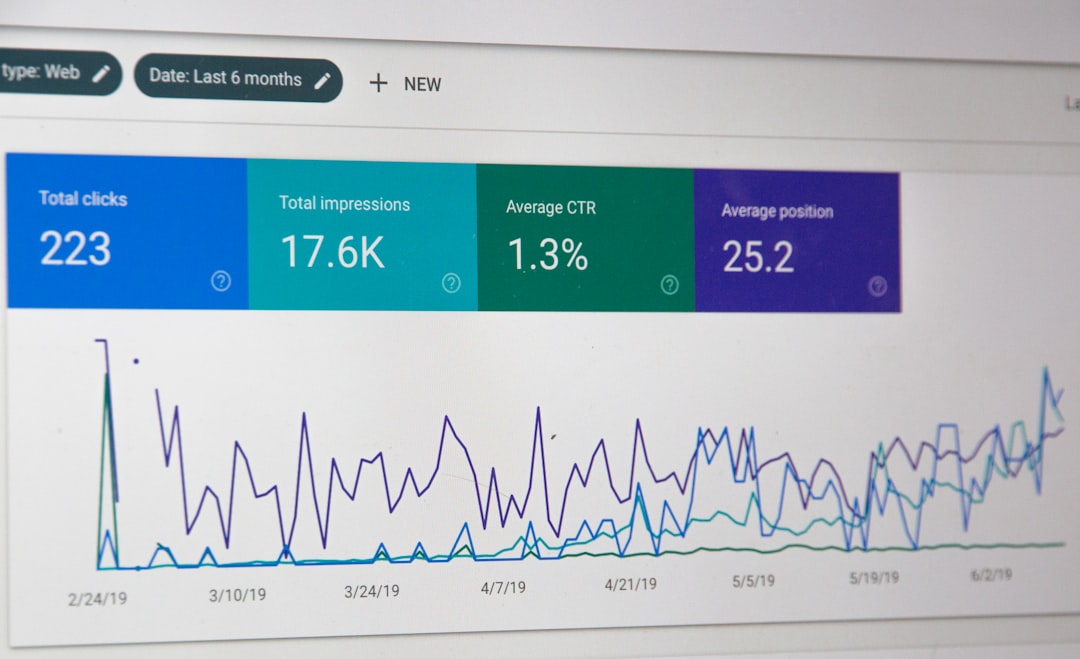
An effective project board can also provide useful performance insights. Metrics such as cycle time, blocked tasks, missed deadlines, and workload distribution can help a team improve its process. However, measurement should support learning, not blame.
For example, if tasks often stall in the review stage, the team may need clearer approval rules or more reviewer capacity. If deadlines are regularly missed, the issue may be unrealistic planning rather than poor execution. The board should help reveal patterns that lead to better decisions.
Adapt the Board as the Project Evolves
No project board should be treated as permanent. As work changes, the board may need new columns, fewer labels, different priority rules, or improved task templates. Teams should periodically ask whether the board still supports progress or whether it has become a source of friction.
The best boards evolve with the team. They remain simple enough to use every day, structured enough to guide work, and flexible enough to support changing priorities.
FAQ
What is a project board?
A project board is a visual workspace that helps a team organize, track, and manage work. It usually contains tasks, workflow stages, owners, deadlines, priorities, and progress indicators.
What should every project board include?
Every project board should include clear workflow columns, task cards, owners, due dates, priorities, and a way to identify blockers. Additional details should be added only when they help the team work more effectively.
How many columns should a project board have?
Most project boards work best with five to seven meaningful columns. Too few columns may hide important progress details, while too many can make the board difficult to manage.
How often should a team update a project board?
A team should update the board whenever task status changes. In many cases, a brief daily or weekly review helps keep the board accurate and useful.
What makes a project board ineffective?
A project board becomes ineffective when it is cluttered, outdated, unclear, or disconnected from the team’s real workflow. Lack of ownership, vague tasks, and too many priorities can also reduce its value.
Who is responsible for maintaining the project board?
The project manager or team lead often oversees the board, but each team member should maintain the accuracy of assigned tasks. Shared discipline keeps the board reliable.