

For most product design teams, FigJam is the cheaper choice when the work stays close to Figma, while Miro is worth the higher price when product discovery needs research boards, workshops, diagrams, and cross-functional planning in one place. A small design team that mainly runs critiques, brainstorms, and handoff discussions will usually spend less with FigJam. A larger product group that needs product ops templates, customer journey maps, integrations, and complex facilitation may get more value from Miro.
TLDR: Miro usually costs more, with paid plans commonly starting around $8 per member per month on annual billing, while FigJam paid seats often start around $3 per seat per month. For example, a 10-person design team could pay about $80 per month for Miro Starter versus about $30 per month for FigJam Professional, before taxes and add-ons. If that team spends 70% of its collaboration time inside Figma, FigJam is the practical pick. If product, engineering, marketing, and research all need one shared workspace, Miro starts to make more sense.
Miro vs FigJam: the quick pricing difference
Miro sells itself as a broad online whiteboard for many kinds of teams. Product managers, researchers, engineers, marketers, and facilitators can all use it. Its pricing reflects that wider use case.
FigJam is Figma’s collaborative whiteboard. It is lighter, cheaper, and closely tied to design workflows. It works best when product design teams already use Figma for interface design, prototypes, libraries, and handoff.
The simple pricing story is this: FigJam is cheaper per seat, Miro is broader per workspace. That difference matters more than the sticker price.
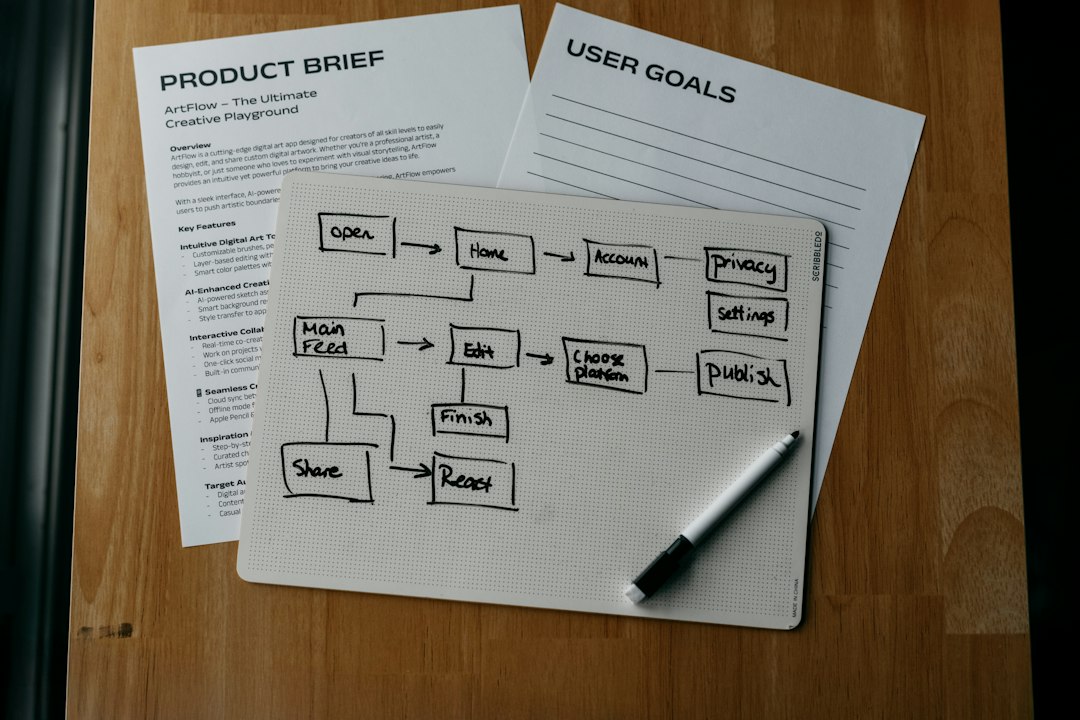
Typical Miro pricing
Miro usually offers four main tiers:
- Free: Best for testing the tool, casual boards, and small experiments.
- Starter: Often around $8 per member per month when billed annually.
- Business: Often around $16 per member per month when billed annually.
- Enterprise: Custom pricing for larger companies with advanced security and admin needs.
The paid Miro plans tend to unlock unlimited boards, more control over sharing, better integrations, and stronger governance. Business and Enterprise plans are better suited for companies that care about single sign-on, advanced permissions, private team spaces, and admin oversight.
The catch is that Miro can feel pricey once every stakeholder wants access. A product trio may be easy to budget for. A 40-person product, design, research, and engineering group is a different story. At $16 per member per month, that group can reach about $640 per month on annual billing.
Typical FigJam pricing
FigJam pricing is usually lower and simpler for design-centered work:
- Free: Good for light collaboration and early trials.
- Professional: Often around $3 per seat per month on annual billing.
- Organization: Often around $5 per seat per month on annual billing.
- Enterprise: Usually around $5 per seat per month, with enterprise controls.
FigJam becomes especially attractive when a company already pays for Figma. Designers can move between mockups, prototypes, and workshop files without much friction. Product managers can run prioritization sessions near the actual design work. Engineers can comment without learning a totally separate system.
Honestly, it feels like FigJam’s biggest win is not only price. It is the lack of extra setup. A designer can pull in components, screenshots, and flows quickly. Miro can do plenty, but moving design artifacts back and forth may add small bits of drag. Those small bits become annoying during a rushed sprint review.
Which tool is better for collaborative product design?
FigJam is better for design-native collaboration. It fits naturally into early ideation, design critiques, user flow reviews, lightweight workshops, and feedback sessions. Teams that live in Figma will likely move faster in FigJam.
Miro is better for cross-functional product discovery. It handles bigger workshops, research synthesis, service blueprints, roadmap planning, journey mapping, diagramming, and stakeholder alignment. It also has a deeper template library for non-design teams.
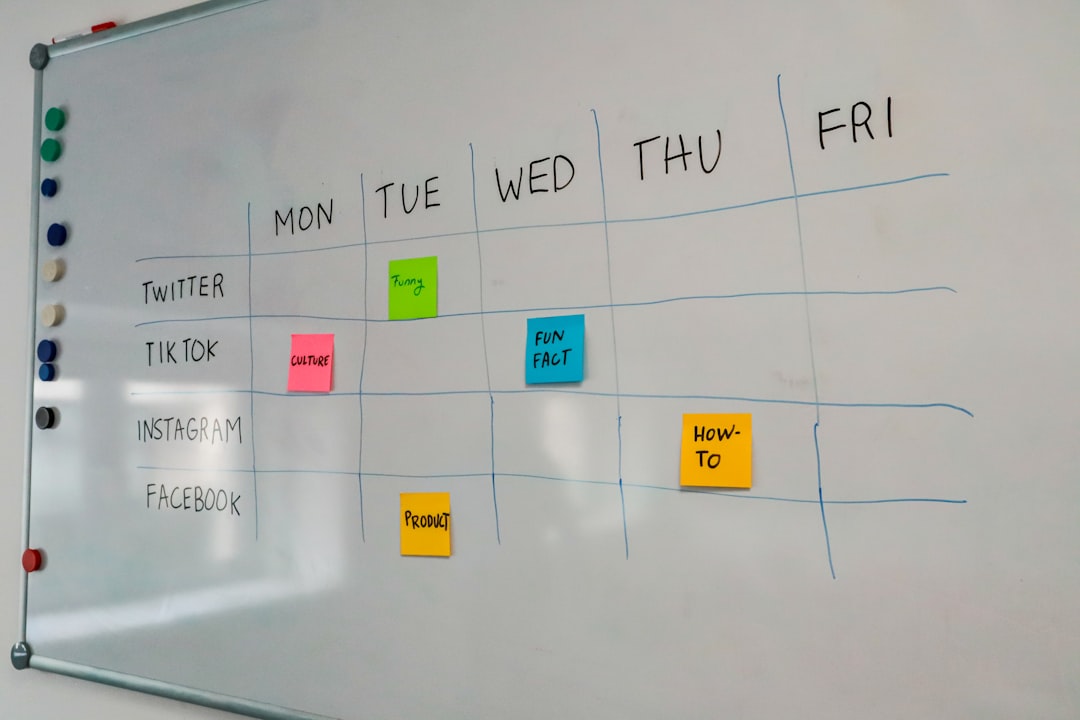
For example, a product manager planning a discovery sprint may prefer Miro. The same workspace can hold interview notes, opportunity maps, voting exercises, assumption grids, and roadmap ideas. A product designer refining onboarding screens may prefer FigJam because the whiteboard sits beside the Figma files.
Cost comparison by team size
Pricing should be checked on the vendor sites before purchase, since rates can change. Still, the rough math is useful.
- 5-person team: FigJam Professional may cost about $15 per month. Miro Starter may cost about $40 per month.
- 10-person team: FigJam Professional may cost about $30 per month. Miro Starter may cost about $80 per month.
- 25-person team: FigJam Professional may cost about $75 per month. Miro Starter may cost about $200 per month.
That gap grows quickly. For budget-sensitive teams, FigJam is hard to ignore. For teams that hold many workshops with people outside design, Miro may still justify the cost.
Feature differences that affect value
Miro strengths:
- Large template library for product, strategy, research, and planning.
- Strong facilitation tools for remote workshops.
- Useful diagramming and mapping features.
- Good integrations with Jira, Confluence, Slack, Teams, and other business tools.
- Better fit for mixed teams beyond design.
FigJam strengths:
- Lower entry price for paid collaboration.
- Tight connection with Figma design files.
- Simple interface for designers and product partners.
- Great for design reviews, brainstorms, and flow mapping.
- Fast adoption for teams already using Figma.
Miro can sometimes feel heavier than needed for a simple design critique. FigJam can feel too light for a full product strategy workshop. That is the real decision point.

Free plans: useful, but limited
Both tools offer free plans. They are helpful for trials, interviews, or small side projects. They are not ideal for serious product operations.
Miro’s free plan may restrict the number of editable boards. FigJam’s free plan may be enough for casual use, but growing teams often need better permissions and admin features. Free plans also create messy habits. Files get scattered. Ownership becomes unclear. Someone eventually asks where the workshop board went, and nobody enjoys that meeting.
Security and admin controls
For small teams, pricing and ease of use matter most. For larger companies, governance matters just as much.
Miro Business and Enterprise plans provide stronger controls for access, sharing, user management, and compliance. FigJam Organization and Enterprise plans also support stronger admin controls, especially inside companies already managing Figma at scale.
If a company has strict security rules, the cheapest plan may not be an option. Procurement may require SSO, domain capture, audit controls, or advanced permissions. In that case, the real comparison is not Miro Starter versus FigJam Professional. It is Miro Business or Enterprise versus FigJam Organization or Enterprise.
Best choice by team type
- Early-stage startup: FigJam is often the smarter first choice, especially if the design team already uses Figma.
- Product design team: FigJam usually wins on speed and cost.
- Research-heavy team: Miro is often stronger for synthesis, mapping, and workshop structure.
- Enterprise product organization: The answer depends on admin needs, existing contracts, and cross-team usage.
- Agile teams with many ceremonies: Miro may offer more ready-made formats for planning and retrospectives.
Final recommendation
FigJam is the better value for collaborative product design when the work is close to UI design, prototypes, and design feedback. It is cheaper, simpler, and easier for Figma-based teams to adopt.
Miro is the better value when collaboration stretches across research, strategy, planning, and large workshops. It costs more, but it can replace several scattered boards, slides, and planning docs.
The practical move is simple. A team should map its main collaboration habits before buying. If most sessions start with a Figma file, FigJam fits. If most sessions start with a business problem, a map, or a workshop agenda, Miro is probably worth the higher bill.
FAQ
Is Miro more expensive than FigJam?
Usually, yes. Miro paid plans often start around $8 per member per month on annual billing, while FigJam paid plans often start around $3 per seat per month.
Is FigJam included with Figma?
FigJam is part of the Figma ecosystem, but FigJam seats can have their own pricing. Teams should check their current Figma plan and seat types.
Which tool is better for product designers?
FigJam is usually better for product designers who already work in Figma. It keeps brainstorming, critique, and design review close to the source files.
Which tool is better for product managers?
Miro may be better for product managers who run discovery workshops, roadmap sessions, research synthesis, and cross-functional planning.
Can a team use both Miro and FigJam?
Yes. Some teams use FigJam for design work and Miro for larger workshops. The risk is tool sprawl, so ownership rules should be clear.
Are the free plans enough for product teams?
They are enough for trials and small sessions. Serious teams usually need paid plans for unlimited work, better permissions, and cleaner file management.