
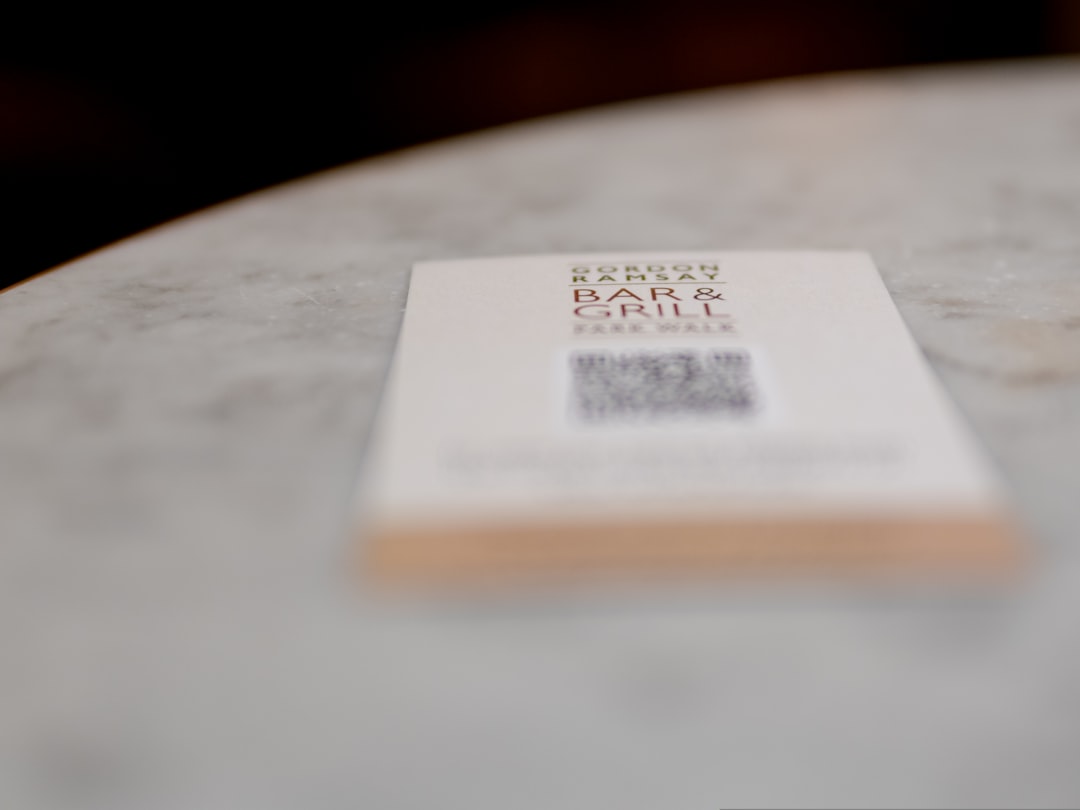
QR labels are tiny business superheroes. They sit on boxes, windows, menus, shelves, badges, and bags. Then, with one quick phone scan, they send people exactly where you want them to go. No typing. No searching. No “Wait, what was the website again?”
TLDR: QR code stickers are printed labels with scannable QR codes on them. Businesses use them to share menus, product info, reviews, payments, instructions, coupons, and more. To make one, choose the link or action, create the QR code, design the label, print it clearly, and test it before using it. Keep it simple, scan friendly, and useful.
What Is a QR Label?
A QR label is a sticker, tag, or printed label that includes a QR code. QR stands for Quick Response. That is a fancy way of saying, “Scan me and I will do something fast.”
When a customer scans the code with a phone camera, it can open a web page, show a menu, play a video, load a map, download a file, or display contact details. It can also start a payment, open a review page, or launch a sign up form.
Think of it as a small bridge. On one side is your physical product or place. On the other side is your digital world.
Why Businesses Love QR Code Stickers
QR stickers are popular because they are simple, cheap, and flexible. You do not need a big tech team. You do not need magic powers. You just need a code, a printer, and a smart place to stick it.
Here are some common ways businesses use QR labels:
- Restaurants: Link to menus, specials, allergy info, or online ordering.
- Retail stores: Show product details, size guides, care tips, or customer reviews.
- Packaging: Add instructions, warranty forms, recipes, or thank you videos.
- Events: Share schedules, maps, tickets, or feedback forms.
- Service businesses: Let customers book appointments or request quotes.
- Offices: Label equipment, track assets, or link to safety guides.
- Marketing: Offer coupons, join mailing lists, or promote social pages.
The best part? You can update the digital experience without reprinting everything, if you use a dynamic QR code. More on that soon.
Static vs Dynamic QR Codes
There are two main types of QR codes: static and dynamic.
A static QR code stores the final information inside the code. If it links to a web address, that address is locked in. If the link changes later, the printed sticker will not know. It will keep pointing to the old place.
A dynamic QR code points to a short redirect link. You can change the final destination later. The sticker stays the same, but the scan can lead somewhere new. This is great for campaigns, menus, coupons, seasonal offers, or anything that may change.
For business use, dynamic codes are often worth it. They can also provide scan data, such as how many people scanned, when they scanned, and sometimes where they scanned. That turns your little sticker into a mini marketing tool.
How to Create a QR Code Sticker
Creating a QR label is easier than making toast. Well, almost. Follow these steps.
- Choose the goal. Decide what should happen after the scan. Open a menu? Show a video? Give a discount? Start there.
- Pick the destination. Use a clean web page, form, file, map, or payment link. Make sure it works well on phones.
- Create the QR code. Use a QR code generator. Choose static for simple fixed links. Choose dynamic if you may need edits later.
- Customize carefully. You can add colors or a small logo, but do not go wild. The code must stay easy to scan.
- Download a quality file. Use a high resolution PNG, SVG, or PDF if possible. Blurry QR codes are sad QR codes.
- Add it to a label design. Include a short call to action, such as “Scan for 10% off” or “Scan for care tips.”
- Test it. Scan it with several phones before printing a big batch.
Design Tips That Make People Scan
A QR code alone can look a bit mysterious. Give people a reason to scan it. A good label says what the code does. It should feel helpful, not random.
Try short phrases like:
- Scan for the menu
- Scan to reorder
- Scan for instructions
- Scan for a surprise
- Scan to leave a review
- Scan for product details
Keep the design clean. Leave empty space around the code. This empty border is called the quiet zone. It helps phone cameras read the code. Do not place text, images, or patterns too close to it.
Also, use strong contrast. Black code on white background is the classic choice because it works. Dark blue on white can work too. Pale yellow on cream? Not so much. That is a scanning disaster wearing a cute outfit.
How Big Should a QR Label Be?
Size matters. If the code is too small, people will struggle to scan it. For most stickers, the QR code itself should be at least 1 x 1 inch. Bigger is better if people will scan from far away.
Use this simple rule: the farther the scanner, the bigger the code. A QR code on a tabletop card can be small. A QR code on a shop window should be much larger.
Here are rough ideas:
- Product package: 1 to 1.5 inches wide.
- Table sticker: 1.5 to 2 inches wide.
- Poster: 3 inches or more.
- Window sign: 4 inches or more.
Always test the final printed size. Do not only test it on your screen. Screens lie. Printers tell the truth.
Printing QR Code Stickers
You can print QR labels at home, at the office, or through a professional printer. The best option depends on how many you need and where the stickers will go.
For small batches, label sheets and a good inkjet or laser printer can work. For larger batches, waterproof labels, outdoor stickers, rolls, or custom shapes, a professional print shop is often better.
Choose the right material:
- Paper labels: Good for indoor use, short term packaging, and low cost projects.
- Vinyl stickers: Stronger and better for outdoor use.
- Waterproof labels: Great for bottles, food containers, bathrooms, and kitchens.
- Removable labels: Useful for temporary events or rental equipment.
- Clear labels: Nice for sleek packaging, but check contrast carefully.
Use a matte finish if possible. Shiny labels can reflect light and make scanning harder. If you use glossy stickers, test them under real lighting.
Where to Put QR Stickers
Placement is everything. A QR label should be easy to see, easy to reach, and easy to scan. Do not hide it on a curved corner, crumpled flap, or tiny dark spot.
Good places include:
- Front or back of product packaging.
- Receipts and thank you cards.
- Shipping boxes and mailers.
- Store windows and checkout counters.
- Restaurant tables and takeaway bags.
- Equipment, tools, and storage bins.
- Event badges, booths, and signs.
Put the label where the customer naturally pauses. For example, a café can place a QR sticker near the register for loyalty sign ups. A skincare brand can place one on the box for usage tips. A repair service can put one on an invoice for easy review requests.

Smart Business Ideas for QR Labels
Want to make your stickers more useful? Try these ideas:
- Review booster: Place a QR code on receipts or packaging that opens your review page.
- Reorder shortcut: Add a code that takes customers straight to the product page.
- How to guide: Link to setup steps, care instructions, or a quick video.
- Coupon surprise: Offer a discount to people who scan after purchase.
- Lead collector: Link to a simple sign up form.
- Support helper: Send customers to FAQs or live chat.
The key is to make the scan valuable. If people scan and land on a boring page, they may not scan again. Give them something useful, fast, or fun.
Common Mistakes to Avoid
QR labels are simple, but a few mistakes can spoil the party.
- No call to action: People need to know why they should scan.
- Tiny code: If it is too small, it will fail.
- Poor contrast: Light colors can be hard to read.
- Bad placement: Avoid folds, seams, curves, and glare.
- Broken links: Test before and after printing.
- Slow pages: Mobile users will not wait forever.
Final Scan
QR code stickers are a simple way to connect your real world business to your online tools. They can help customers learn, buy, book, review, reorder, and share. They are small, but they can do big things.
Start with one clear goal. Create a clean code. Add a friendly message. Print it well. Test it like a detective. Then stick it where people will actually see it.
And just like that, your label is no longer just a label. It is a tiny doorway to your business.