

The safest way to maintain a real estate WordPress site with hundreds of listings is to put the site behind a clean maintenance screen, run updates in a fixed order, test property search, then reopen only after listings and forms work. Real estate teams cannot treat this like a small blog, because 43% of buyers start by looking online for homes, according to NAR [source: National Association of Realtors].
TLDR: A real estate team should use the Maintenance plugin to hide messy update work while keeping the WordPress admin open for staff. For example, a brokerage with 620 listings can schedule a 45-minute maintenance window, update plugins, refresh IDX feeds, test 20 priority listings, then reopen without showing broken search pages to buyers. If the site gets 2,000 visits per week, even a 2% error rate on listing pages can mean 40 bad visits. That is enough to lose leads.
Set Up the Maintenance Plugin First
The Maintenance plugin should be installed and configured before any updates begin. Its job is simple: visitors see a branded maintenance page, while logged-in admins can still work on the real site. That small split saves a lot of awkward moments.
The team should add the brokerage logo, a short message, and a contact option. A plain line works best: “Property search is being updated. Please call or email for urgent showing requests.” No one needs a dramatic message. They need trust.
A more polished setup can be planned through the WordPress maintenance mode resources, especially when the brokerage wants a better coming soon or maintenance page during larger site work.
Create a Safe Update Order
Random updates are where trouble starts. The property plugin, IDX feed, map tools, form plugin, SEO plugin, cache plugin, and theme may all touch listing pages. One bad update can break search filters or hide prices.
The better order is:
- Back up the full site, including database and uploads.
- Turn on the Maintenance plugin before public pages change.
- Update WordPress core if needed.
- Update the theme, then property and IDX plugins.
- Update forms, SEO, security, and cache plugins.
- Clear cache only after testing key pages.
Honestly, it feels like cache plugins enjoy making simple fixes harder. A listing can look fixed in the admin, then still show the old price on the public page for 10 more minutes. That is why cache should be handled near the end, not at the start.
Protect Property Listings During Maintenance
Real estate sites carry more moving parts than normal business sites. Each listing may include galleries, maps, video embeds, mortgage widgets, agent boxes, schema data, and lead forms. The team should test a sample set, not just the homepage.
- Newest listings: Check if fresh imports display correctly.
- High-value listings: Test luxury or featured properties first.
- Sold listings: Confirm status labels have not changed.
- Map search: Try city, ZIP code, price, and bedroom filters.
- Lead forms: Send a test inquiry from listing pages.
Check IDX and MLS Feeds
For sites with hundreds of listings, the IDX or MLS feed is often the most fragile part. The team should confirm that scheduled imports still run after plugin updates. If imports fail, the site may show stale inventory, missing photos, or incorrect statuses.
A quick test should include one active listing, one pending listing, and one sold listing. The manager should compare the WordPress listing data against the feed source. If prices, beds, baths, or addresses do not match, the site should stay in maintenance mode until the issue is fixed.
Speed Checks Matter More With Big Listing Sets
Hundreds of listings can slow WordPress fast. Large images are usually the main issue. Real estate teams love huge photos, but a 5 MB kitchen image can punish every visitor on mobile.
Before reopening the site, the team should compress new images, check lazy loading, and test listing search speed. If the search results page takes more than three seconds to load, leads may drop. It drives site managers crazy when a simple bedroom filter takes four seconds longer after an update, but that delay is a real problem.
Teams that already plan physical upkeep schedules can think about site care in the same way. A practical comparison can be found in this guide to asset maintenance software, since both website and property operations work better with checklists, records, and repeatable tasks.
Use a Short Maintenance Window
The Maintenance plugin should not stay active for days without a reason. Long downtime can confuse buyers and sellers. A short window is better: early morning, late night, or a known low-traffic period.
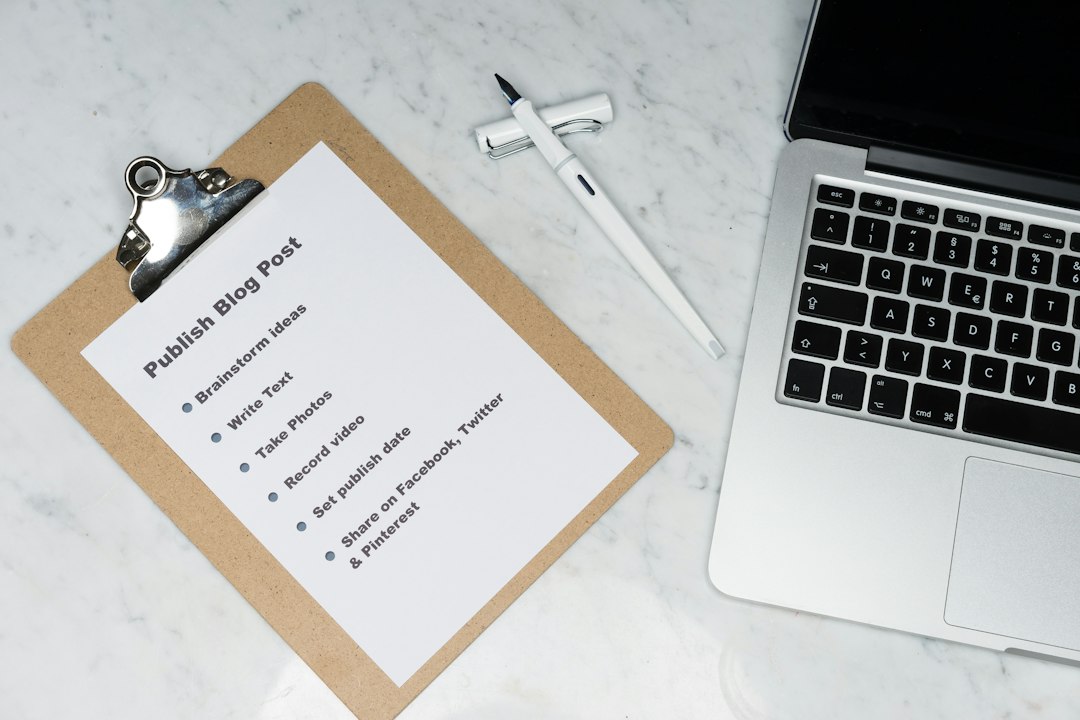
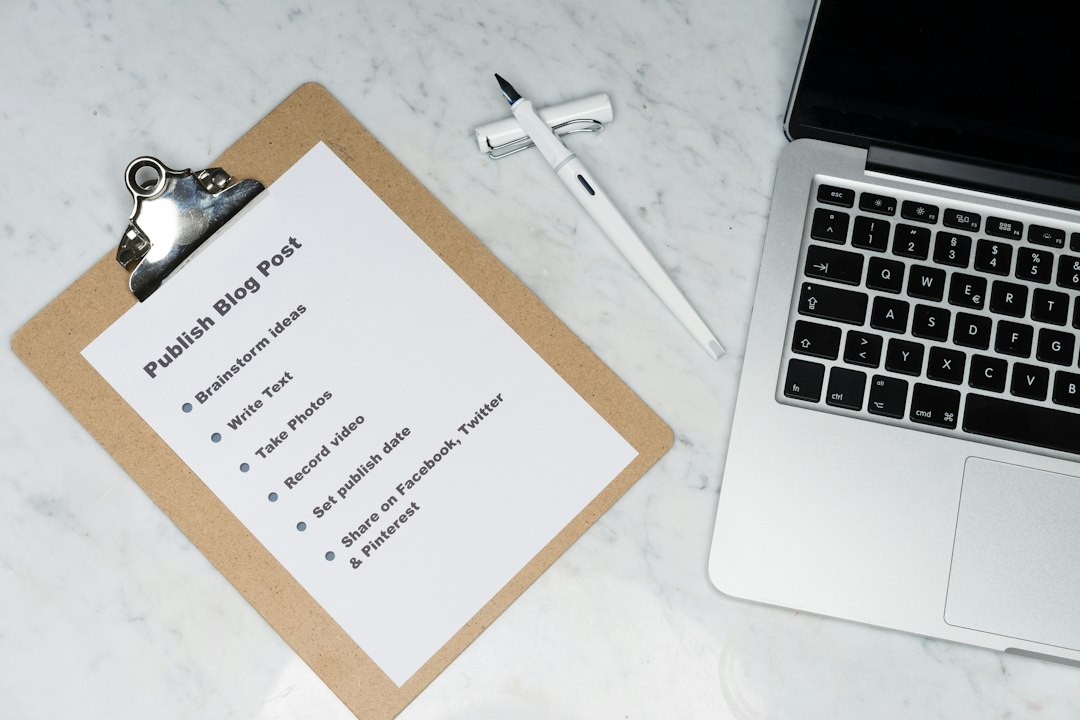
The team should keep a written checklist. Each task gets marked as done, failed, or needs review. If something breaks, the rollback point is clear. If all tests pass, the Maintenance plugin can be turned off and the site can go live again.

FAQ
How often should a real estate WordPress site be maintained?
A busy site should get basic checks weekly and full maintenance monthly. Sites with IDX feeds or daily listing imports may need faster review.
Should the Maintenance plugin be used for every update?
It should be used for any update that may affect listings, search, forms, maps, or payments. Small text edits usually do not need it.
Can visitors still contact the brokerage during maintenance?
Yes. The maintenance page should show a phone number, email address, or short contact message so urgent buyers and sellers are not lost.
What should be tested before the site goes live again?
The team should test listing search, featured listings, IDX imports, lead forms, maps, mobile pages, and at least 10 to 20 sample properties.
What is the biggest mistake during maintenance?
The biggest mistake is updating everything at once without a backup or test plan. For a real estate site, that can break hundreds of listing pages in minutes.