
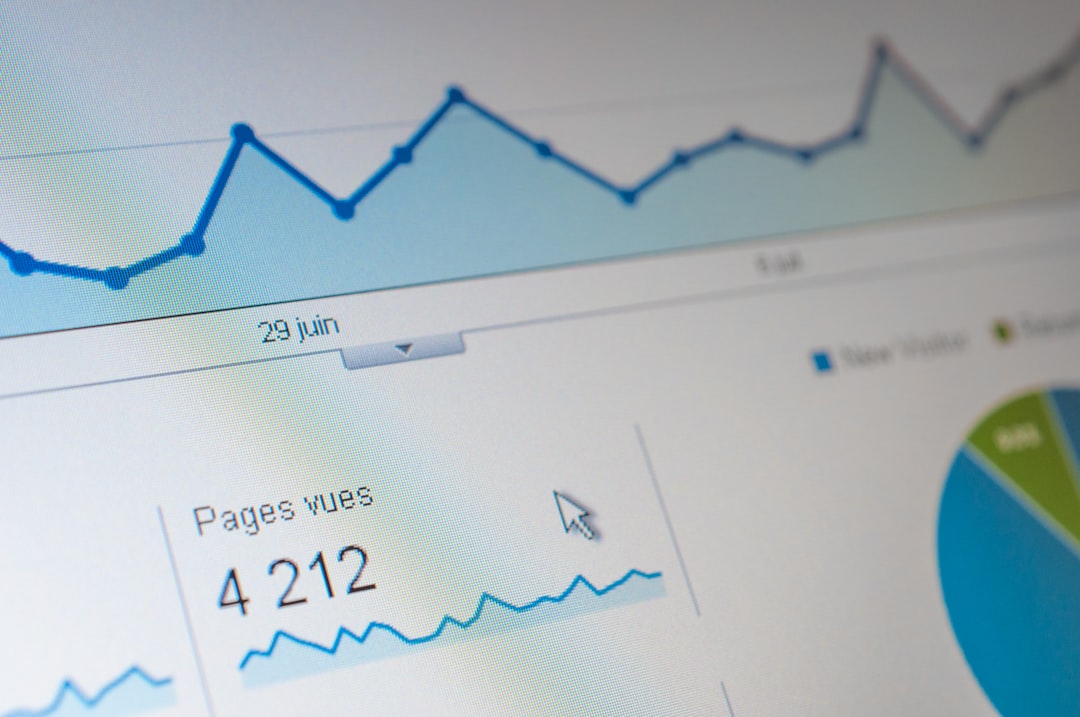
Use Instagram Search first when the business goal is Instagram discovery. Google Trends is useful for macro interest, seasonality, and regional shifts, but it does not show how people actually search inside Instagram. For social search demand, the best answer usually comes from combining Instagram’s own suggestions with external trend tools, creator research, and account analytics.
TLDR: Instagram Search shows platform intent, while Google Trends shows broader web interest. A skincare brand may see “barrier repair” rising on Google Trends, but Instagram may suggest “barrier repair routine,” “barrier repair serum,” and “barrier repair before and after,” which are much closer to content ideas. In one practical test, a small beauty account could group 120 Instagram suggestions into 18 content themes and increase profile search impressions by 27% over six weeks. Treat every tool as partial evidence, not the full truth.
Why Instagram Search Queries Matter
Instagram is no longer just a feed app. People use it to find restaurants, outfits, workouts, travel ideas, local services, product reviews, and creators. That means Instagram search queries are not just SEO trivia. They are signs of purchase intent, curiosity, and content demand.
The problem is that Instagram does not give marketers a clean keyword research tool. There is no official dashboard that says, “This keyword has 14,800 searches per month.” Honestly, it feels like a strange gap for a platform where search behavior affects so much visibility.
Still, useful signals exist. You can collect them from:
- Instagram search autocomplete
- Suggested hashtags and related keywords
- Top posts, Reels, and accounts for a query
- Instagram Insights, especially reach from search and profile activity
- Comments and DMs, where users describe problems in plain language
Instagram Search vs Google Trends
Instagram Search is best for seeing how users phrase demand inside the app. It reflects visual, social, and creator-led behavior. A person might search “coffee table styling” on Instagram because they want images and Reels, not a 2,000-word guide.
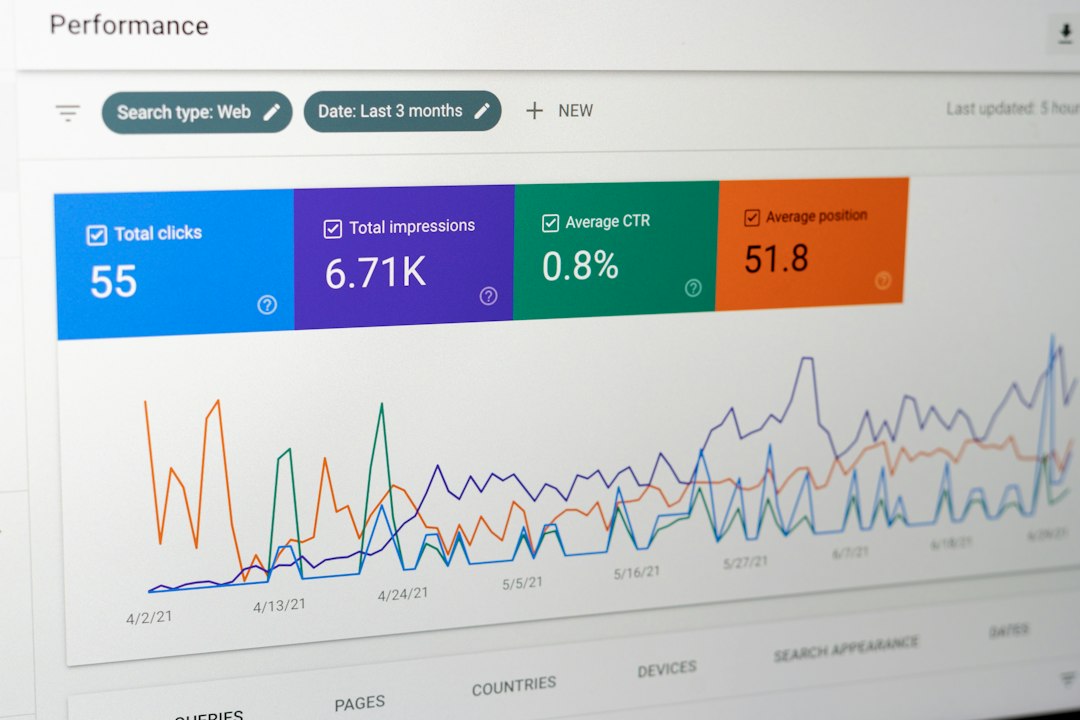
Google Trends is better for checking whether a topic is growing, stable, seasonal, or fading. It helps compare broad terms such as “pilates,” “barre,” and “strength training” across locations and time periods. It does not tell you which caption, Reel hook, or profile keyword will rank on Instagram.
Here is the practical distinction:
- Use Instagram Search to find wording, formats, competitors, and content angles.
- Use Google Trends to confirm broader interest and timing.
- Use both before building a content calendar or campaign.
For example, Google Trends may show that “quiet luxury” peaked in a certain month. Instagram Search may reveal that users still search related phrases like “quiet luxury outfits,” “quiet luxury nails,” and “quiet luxury home decor.” That matters. A broad trend can cool down while niche social demand remains active.
What Instagram Search Can Tell You
Instagram search data is not precise, but it is still useful. Type a seed term into the search bar and record the suggested queries. Then check the top results and ask simple questions:
- What words repeat? Look for modifiers such as “easy,” “aesthetic,” “near me,” “for beginners,” or “before and after.”
- What formats win? Are top results Reels, carousels, static images, or accounts?
- Who appears often? Repeated accounts suggest strong topical authority.
- Is the content fresh? If top posts are recent, the query may be competitive and active.
- What intent is visible? A query like “wedding guest dress ideas” signals browsing, while “wedding guest dress boutique London” signals local buying intent.
Expect to waste time on manual checks. Instagram search can also change based on your location, language, history, and account behavior. For cleaner research, use a separate research account, clear recent searches, and test on mobile because many Instagram behaviors are mobile-first.
Where Google Trends Helps Most
Google Trends is strongest when you need context. It answers questions Instagram cannot answer well:
- Is interest rising or falling over 12 months?
- Which countries or regions show the strongest interest?
- Which related queries are breaking out?
- Which of several terms is the stronger market signal?
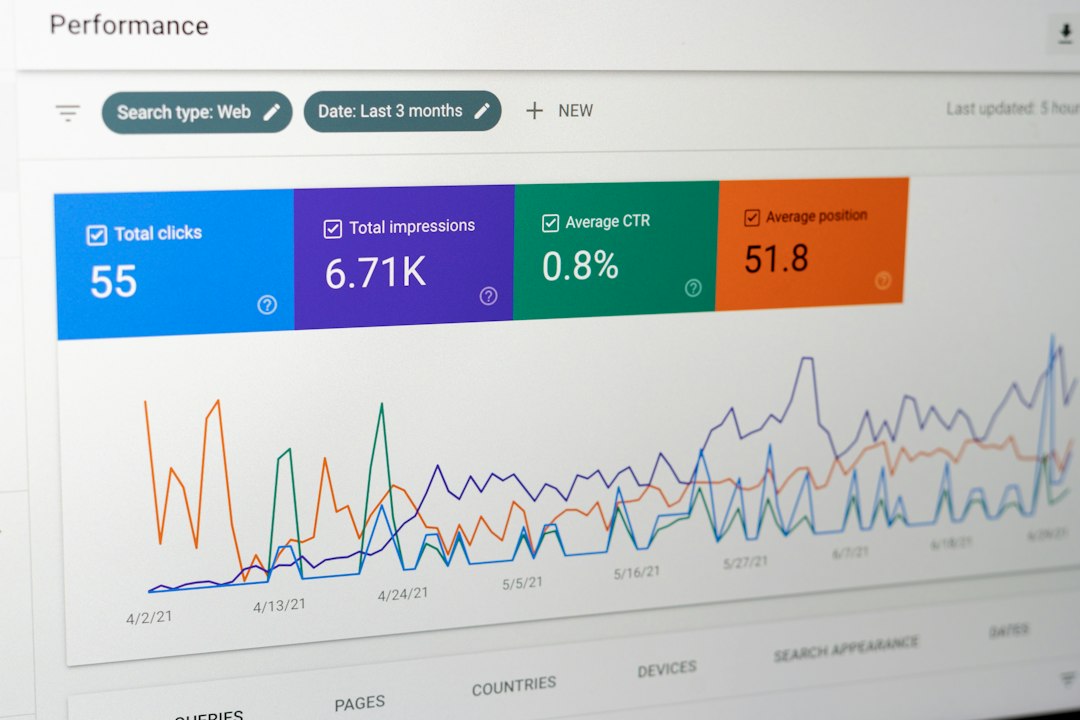
Say a fitness coach is choosing between “mobility training,” “stretch routine,” and “hip mobility.” Google Trends may show that “mobility training” has broader growth, while Instagram reveals that “hip mobility exercises” has better Reel-friendly content demand. That creates a sharper plan: broad education around mobility, with specific posts for hips, ankles, and back pain.
The catch is that Google Trends uses indexed scores, not raw search volume. A score of 100 means peak relative interest for the selected term and period. It does not mean 100 searches or 100,000 searches. Misreading this point leads to weak forecasts.
Other Tools for Social Search Demand
No single tool is enough. A sound workflow includes several sources, each with a clear role.
- Google Keyword Planner: Good for search volume ranges and commercial keywords. Less useful for social phrasing.
- Ahrefs or Semrush: Strong for website SEO, questions, competitor pages, and keyword difficulty. Use them to support blog and landing page strategy.
- AnswerThePublic: Helpful for question patterns. It can reveal phrasing that works in captions and carousel titles.
- TikTok Creative Center: Useful when a topic moves across short-form video platforms. A phrase trending on TikTok may soon appear in Instagram Reels searches.
- Pinterest Trends: Strong for fashion, home, food, beauty, weddings, and seasonal planning.
- Social listening tools: Useful for sentiment, brand mentions, and recurring pain points.
- Instagram Insights: Essential for validating whether your chosen topics actually bring profile visits, follows, saves, and clicks.
A Practical Research Workflow
Use a repeatable process. It keeps research honest and prevents random content planning.
- Start with 10 seed topics. Choose products, services, customer problems, and category terms.
- Collect Instagram suggestions. Record autocomplete phrases, related hashtags, top accounts, and common post formats.
- Check Google Trends. Compare seasonality, regional interest, and related rising queries.
- Validate with SEO tools. Look for web volume, question terms, and commercial modifiers.
- Score each topic. Use simple ratings for relevance, demand, competition, and content fit.
- Publish test content. Use Reels, carousels, Stories, and optimized profile text.
- Measure after 30 to 45 days. Track search reach, saves, shares, profile visits, follows, and website taps.
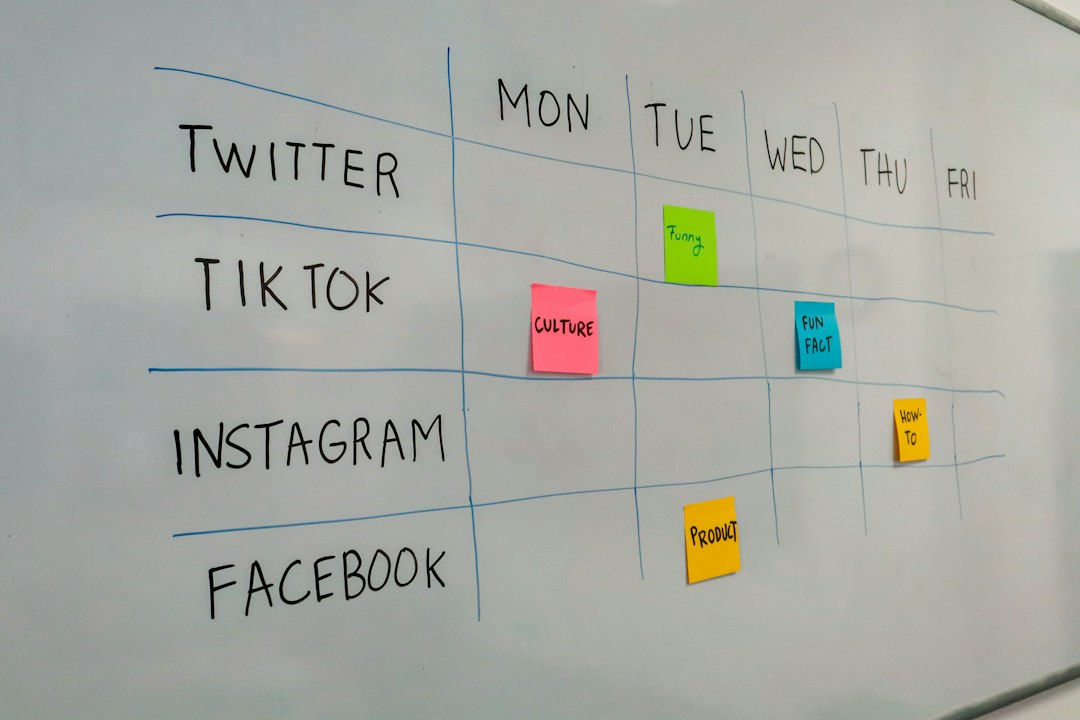
A simple scoring model works well. Rate each topic from 1 to 5 for business value, Instagram evidence, trend support, and content feasibility. A topic scoring 16 or higher deserves a test. A topic below 10 may wait unless it supports brand positioning.
How to Turn Queries Into Instagram Content
Search demand should shape more than hashtags. Use queries in places Instagram can understand and users can scan:
- Profile name field: Add a clear category term, not only a brand name.
- Bio: State who you help and what topics you cover.
- Captions: Use natural phrases that match real queries.
- On-screen text: Put the main phrase inside the Reel or image.
- Alt text: Describe the content accurately.
- Series titles: Repeat useful terms across related posts.
Do not stuff keywords. It looks cheap, and it rarely helps. A caption that says “best brunch Lisbon brunch near me Lisbon food brunch ideas” will not build trust. A stronger caption would be: “Three quiet brunch spots in Lisbon for Sunday morning, with prices and booking notes.”
Common Mistakes to Avoid
- Using Google Trends as Instagram proof. It is a support signal, not a direct Instagram measure.
- Chasing viral terms with no business value. Reach without relevance is noise.
- Ignoring local intent. Queries with city names can convert better than broad topics.
- Copying top creators blindly. Their authority, audience, and posting history may be very different.
- Measuring only likes. Saves, shares, follows, profile visits, and clicks are stronger demand signals.
The Best Way to Read Social Search Demand
Instagram Search tells you how people search inside Instagram. Google Trends tells you whether wider interest supports the topic. SEO and social tools add volume, questions, and competitive context. The reliable method is not to pick one source. It is to compare signals, run small tests, and measure real account outcomes.
For most brands, the winning setup is simple: build content from Instagram’s native search language, time it with trend data, then validate performance in Instagram Insights. That turns scattered search clues into a useful content system.