

Running a modern professional life often means managing more than a calendar and a to-do list. Independent consultants, founders, executives, creators, and ambitious employees all need a reliable way to connect goals, projects, tasks, decisions, habits, finances, notes, and performance reviews. A Personal Business Operating System app is designed to provide that structure: one central environment where daily execution stays aligned with long-term strategy.
TLDR: A Personal Business Operating System app helps individuals manage work, goals, projects, routines, and decisions in one organized place. The best solutions combine planning, task management, knowledge storage, analytics, and automation without becoming unnecessarily complex. Look for an app that supports clear workflows, data security, integrations, and regular review cycles. The goal is not to track everything, but to make better decisions with less friction.
What Is a Personal Business Operating System App?
A Personal Business Operating System, often shortened to personal BOS, is a digital framework for managing the business side of an individual’s professional life. Unlike a basic productivity app, it does not focus only on tasks. Instead, it connects multiple layers of work: strategy, execution, information, review, and improvement.
For example, a consultant might use it to track client work, sales opportunities, proposals, invoices, learning goals, and weekly priorities. A founder might use it to manage product objectives, investor conversations, hiring plans, and personal performance habits. The common purpose is the same: to create a dependable system that reduces mental clutter and improves follow-through.
1. Goal and Vision Management
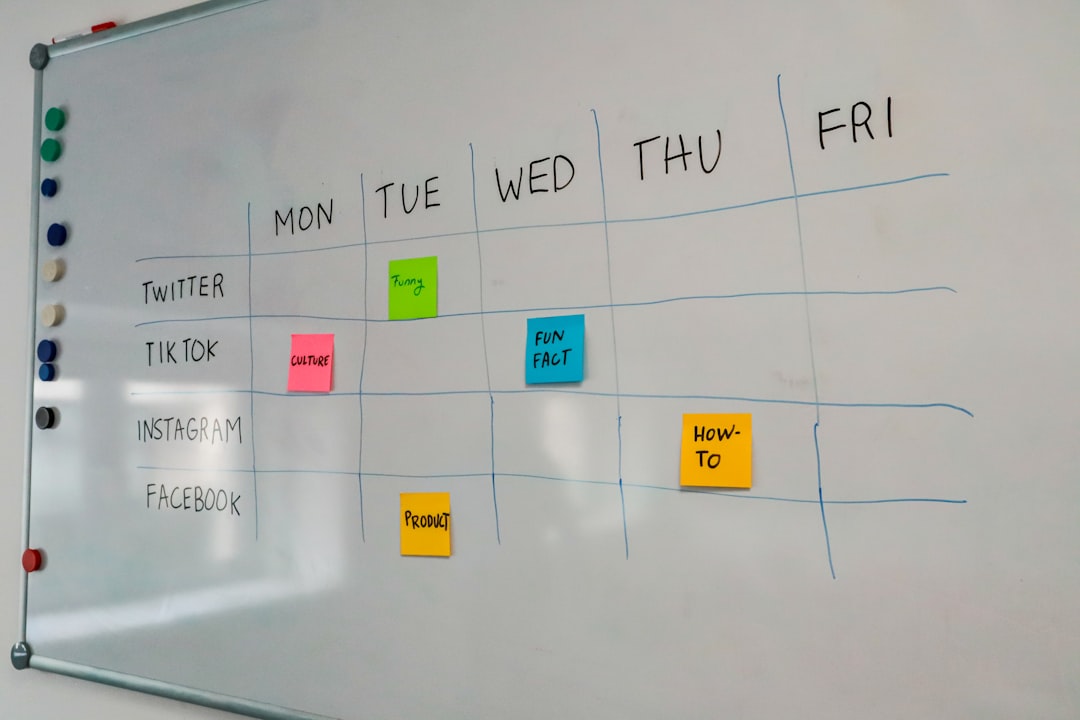
A serious personal BOS should begin with direction. Without a clear vision, even excellent task management can become reactive. The app should allow users to define long-term goals, annual objectives, quarterly priorities, and measurable outcomes.
Strong goal management features usually include:
- Goal hierarchy: the ability to connect daily tasks to larger objectives.
- Milestones: checkpoints that make progress visible and manageable.
- Metrics: measurable indicators such as revenue, client retention, publication output, or learning hours.
- Review notes: a place to document what worked, what failed, and what needs to change.
This feature matters because professionals often confuse activity with progress. A well-designed system helps distinguish urgent work from valuable work.
2. Project and Task Management
Execution remains at the center of any operating system. A personal BOS should provide flexible task and project management that supports both high-level planning and daily action. At minimum, users should be able to create projects, assign due dates, set priorities, add notes, attach files, and break work into subtasks.
However, the feature should not be overloaded. The best systems make it easy to answer three questions: What matters now? What is blocked? What is next? Views such as Kanban boards, lists, calendars, and timelines can be useful, provided they serve the user’s workflow rather than complicate it.
Recurring tasks are also essential. Many business routines happen repeatedly: sending invoices, reviewing leads, publishing content, checking financial reports, or preparing weekly updates. A reliable app should automate these reminders so the user does not have to rebuild the same checklist each week.
3. Knowledge and Document Hub
A personal business system becomes significantly more valuable when it includes a structured knowledge base. Important information is often scattered across emails, cloud drives, notebooks, chat apps, and browser bookmarks. This creates unnecessary searching and increases the risk of losing context.
A strong knowledge hub should include:
- Notes and documents for ideas, meeting summaries, research, and standard procedures.
- Tagging and folders to organize information by client, project, topic, or status.
- Search functionality that quickly retrieves past decisions and reference material.
- Templates for repeated documents such as proposals, meeting agendas, project briefs, and retrospectives.
This feature is especially important for solo operators and small business owners who cannot rely on a large team to preserve institutional knowledge. The app becomes a professional memory system.
4. Calendar and Time Management
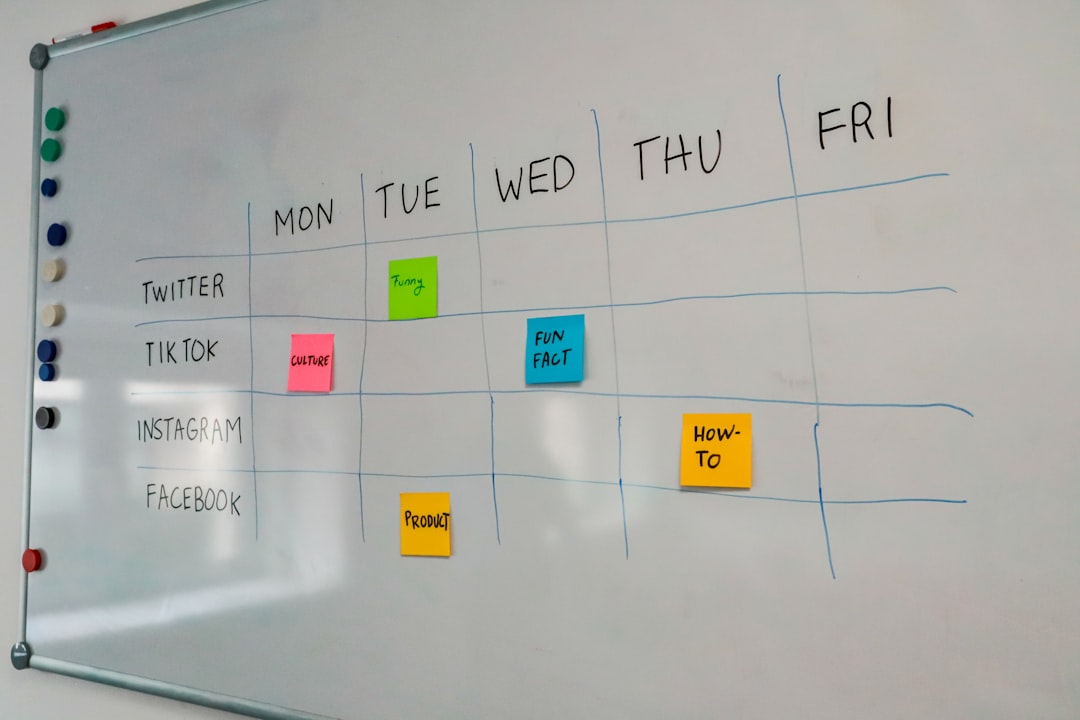
Time is the most limited business resource. A personal BOS should integrate with the user’s calendar and help protect time for meaningful work. This may include time blocking, meeting preparation, focus sessions, deadline visibility, and reminders.
Good time management features do more than display appointments. They help users see whether their calendar matches their priorities. If strategic work is constantly pushed aside by administrative tasks, the system should make that imbalance visible.
Time tracking may also be useful, particularly for consultants, freelancers, lawyers, designers, developers, and coaches who bill by the hour or need to understand profitability. Even for non-billable work, time data can reveal where attention is being spent and where processes need improvement.
5. Decision Tracking and Accountability
One overlooked feature of a personal BOS is a decision log. Professionals make many important decisions: which opportunities to pursue, which clients to decline, which services to improve, which habits to build, and which investments to make. Without documentation, it is difficult to evaluate the quality of those decisions later.
A useful decision log should capture the date, context, options considered, chosen action, expected outcome, and review date. Over time, this creates a practical record of judgment. It also reduces second-guessing because decisions can be revisited with evidence rather than memory alone.
Accountability features may include weekly reviews, monthly scorecards, progress dashboards, or private commitments. The purpose is not to create pressure for its own sake, but to encourage honest reflection.
6. Finance and Performance Overview
For anyone operating as a business of one, financial visibility is essential. A personal BOS does not need to replace full accounting software, but it should provide a clear view of business health. Useful features may include revenue targets, expense categories, cash flow reminders, invoice tracking, subscription lists, and profit snapshots.
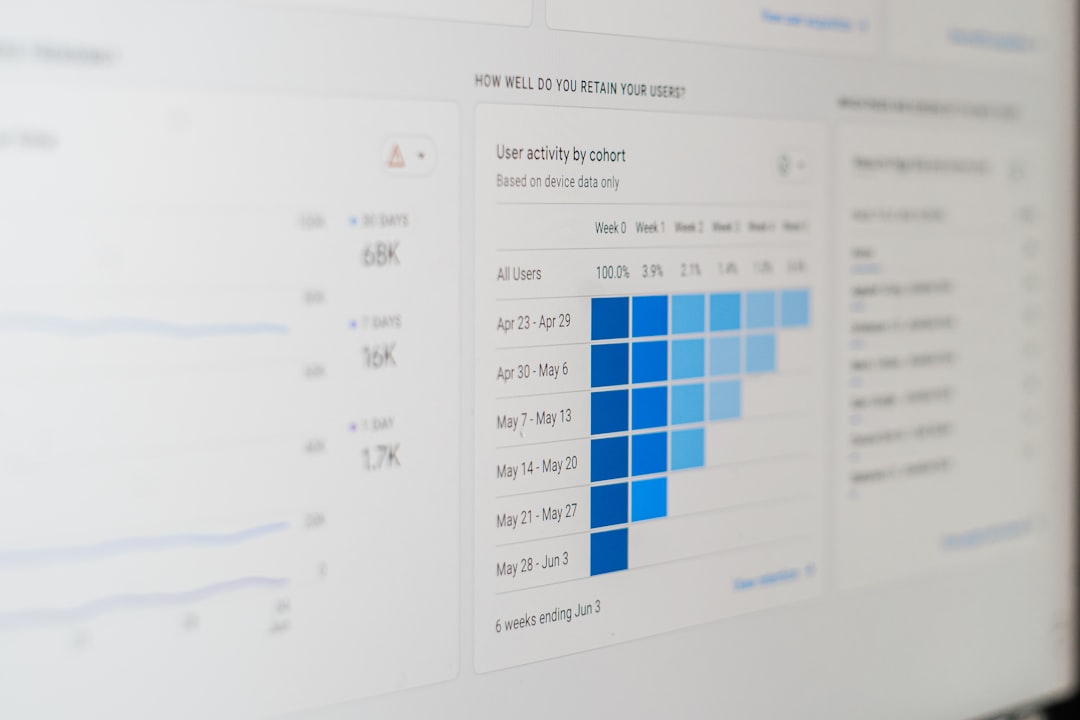
Performance dashboards can also bring together non-financial indicators, such as leads generated, proposals sent, client satisfaction, content published, or hours spent on deep work. These metrics provide a more complete view of whether the user is progressing toward the right outcomes.
The key is restraint. Tracking too many metrics can become a distraction. The best apps help users identify a small number of high-signal indicators that support better decisions.
7. Automation and Integrations
A personal BOS becomes more powerful when it connects with tools the user already relies on. Common integrations include calendar apps, email, cloud storage, note-taking tools, messaging platforms, payment systems, and customer relationship management software.
Automation can reduce repetitive work. For example, a new client email could trigger a project template, a signed proposal could create onboarding tasks, or a weekly review could generate a standard checklist every Friday. These workflows save time and reduce the chance of missing important steps.
Nevertheless, automation should be implemented carefully. Poorly designed automation can create noise, duplicate information, or hide important context. A trustworthy system keeps the user in control and makes automated actions transparent.
8. Privacy, Security, and Data Ownership
Because a personal BOS may store sensitive business plans, client details, financial notes, and private reflections, security is not optional. Any serious app should provide strong access controls, encryption, reliable backups, and clear data export options.
Users should check whether the app supports two-factor authentication, role-based access if collaboration is needed, and compliance standards relevant to their field. Data ownership is equally important. A professional should be able to export information in usable formats if they decide to change platforms.
9. Review Cycles and Continuous Improvement
The most effective operating systems include structured review. Weekly reviews help clean up tasks and choose priorities. Monthly reviews assess performance and workload. Quarterly reviews evaluate strategy, goals, and major decisions.
A good app should make these reviews easy through templates, prompts, dashboards, and historical records. The value of the system increases over time because it develops a reliable record of commitments, results, and lessons learned.
How to Choose the Right App
When evaluating a Personal Business Operating System app, avoid choosing based only on feature count. More features do not always mean better outcomes. Instead, consider whether the app fits your working style and whether you will realistically maintain it.
Use the following checklist:
- Clarity: Is the interface understandable and focused?
- Flexibility: Can it adapt to your workflow without excessive setup?
- Reliability: Does it perform consistently across devices?
- Integration: Does it connect with your existing tools?
- Security: Does it protect sensitive business information?
- Review support: Does it encourage regular reflection and improvement?
A Personal Business Operating System app should ultimately help you operate with greater intention. It should reduce scattered thinking, clarify priorities, preserve knowledge, and make execution more consistent. The right system does not run your business for you, but it provides the structure needed to run it with discipline, confidence, and measurable progress.