
Planner 5D is the best overall AI room design tool if you need a serious plan, not just a pretty image. RoomGPT is best for quick visual ideas. Interior AI is stronger for style exploration and creative renders. Planner 5D claims more than 100 million users, which also makes it the most mature option of the three for floor plans, room layouts, and project planning [source: Planner 5D].
TL;DR: Choose Planner 5D if you want measurements, floor plans, furniture placement, and a design you can act on. Choose RoomGPT if you want to upload a room photo and get fast makeover ideas in different styles. Choose Interior AI if you need more creative concepts, such as turning a plain 12 by 15 foot bedroom into 6 style options for a client mood board. In practical terms, RoomGPT is the quickest, Interior AI is the most imaginative, and Planner 5D is the most useful for real planning.
Best for most people: Planner 5D
Planner 5D wins because it does more than generate attractive room images. It helps you build a room, adjust layouts, place furniture, and think in terms of actual space. That matters. A beautiful AI render is helpful, but it can become useless if the sofa blocks a doorway or the dining table eats the whole room.
The tool is strongest for homeowners, renters, interior design students, and small design firms that need a mix of AI ideas and structured planning. Its 2D and 3D views make it easier to test changes before buying furniture. You can use it for a single room, but it also works well for apartments and full homes.
The annoying part is that Planner 5D can feel slower than simple AI image tools. Expect to spend more time setting up the room. That extra setup is not wasted, though. It usually gives you a more useful result.
Best for quick inspiration: RoomGPT
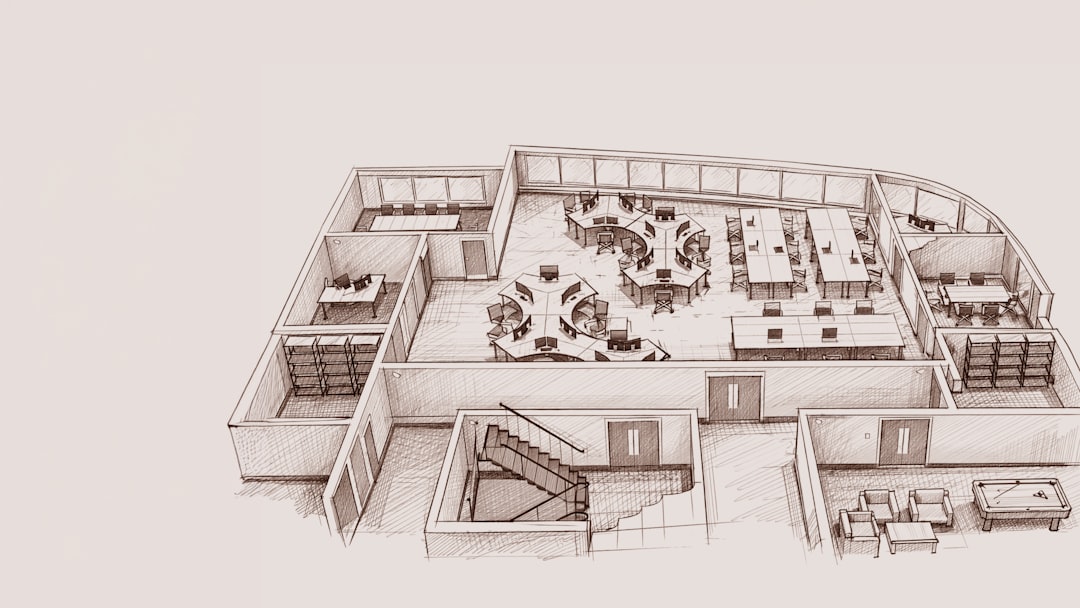
RoomGPT is built for speed. Upload a photo, pick a room type and style, then generate a new version. It is simple and direct. If you are stuck with a dull bedroom or tired living room, RoomGPT can give you fresh ideas fast.
This is the tool to use when you want to answer one question: “What could this room look like?” It is less useful when you need to know whether a cabinet will fit, how wide a walkway should be, or where outlets and windows affect the design.
RoomGPT is also good for non-designers. The learning curve is low. You do not need to draw a plan or build a model. The tradeoff is control. Sometimes the AI changes too much. It may alter window shapes, flooring, or built-in features that you never wanted touched. Honestly, it feels like you have to regenerate more than you should just to get one realistic option.
Best for creative concepts: Interior AI
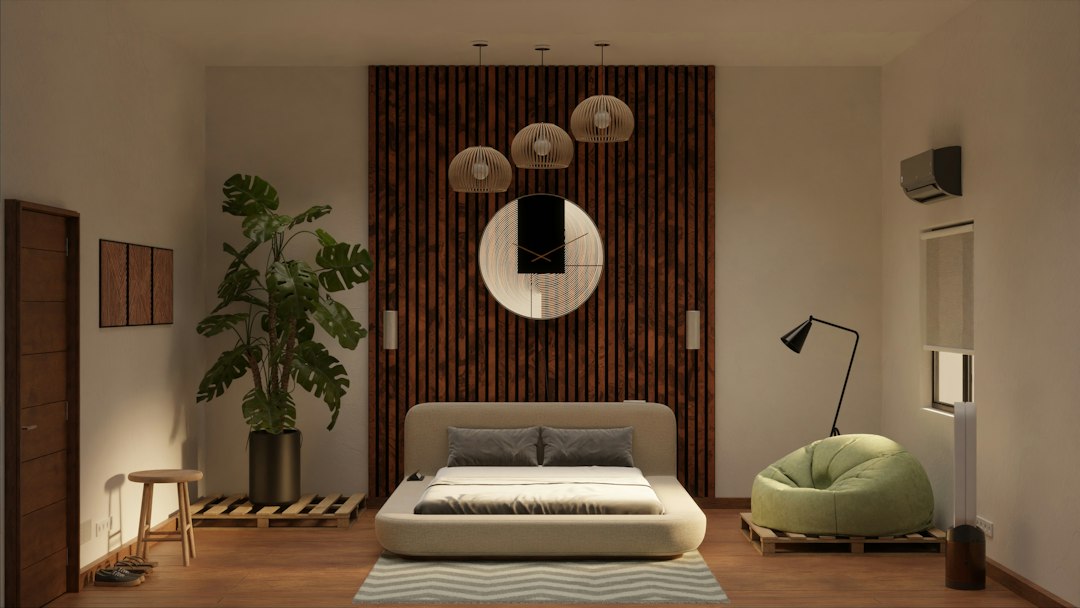
Interior AI sits between quick visual tools and more serious planning software. It is especially useful for style testing. You can take one room and view it as Scandinavian, industrial, minimalist, luxury, bohemian, or coastal. For mood boards, social posts, and early client direction, it can be very effective.
Interior AI is often a better fit for decorators, real estate marketers, short term rental hosts, and creators who need polished visuals. It can help show the emotional direction of a room before anyone commits to furniture or paint.
The weakness is practical accuracy. AI room renders can look convincing while hiding problems. A chair may be too small. A bed may appear to fit when it does not. Lighting can look better than reality. Treat the output as a concept, not a final plan.
Feature comparison
- RoomGPT: Best for fast before and after room ideas. Simple, visual, and easy to use.
- Interior AI: Best for creative style variations and polished concept images.
- Planner 5D: Best for floor plans, room structure, space planning, and realistic project work.
If you care most about speed, RoomGPT wins. If you care most about visual variety, Interior AI wins. If you care about whether the design can actually work in your home, Planner 5D wins.
Which tool gives the most realistic results?
Planner 5D is the safest choice for realism because it starts with the room structure. It is closer to planning software than a pure image generator. That makes it better for layouts, measurements, and furniture position.
RoomGPT and Interior AI can produce realistic-looking images, but that is not the same as a realistic design. They may improve the mood of a room while changing the architecture. This can mislead users who expect a one-to-one redesign.
A smart workflow is to use RoomGPT or Interior AI first, then rebuild the best idea in Planner 5D. That gives you inspiration first and structure second.
Pricing and value
Pricing can change, so check each site before you commit. In general, these tools sit in different value groups. RoomGPT is valuable when you need fast output with low effort. Interior AI is valuable when you need many visual styles. Planner 5D gives better value when the project has real costs attached, such as buying furniture, hiring help, or renovating.
If a wrong furniture purchase costs $800, spending more time on a measured layout is sensible. Pretty renders are nice. Avoiding expensive mistakes is better.
Final verdict
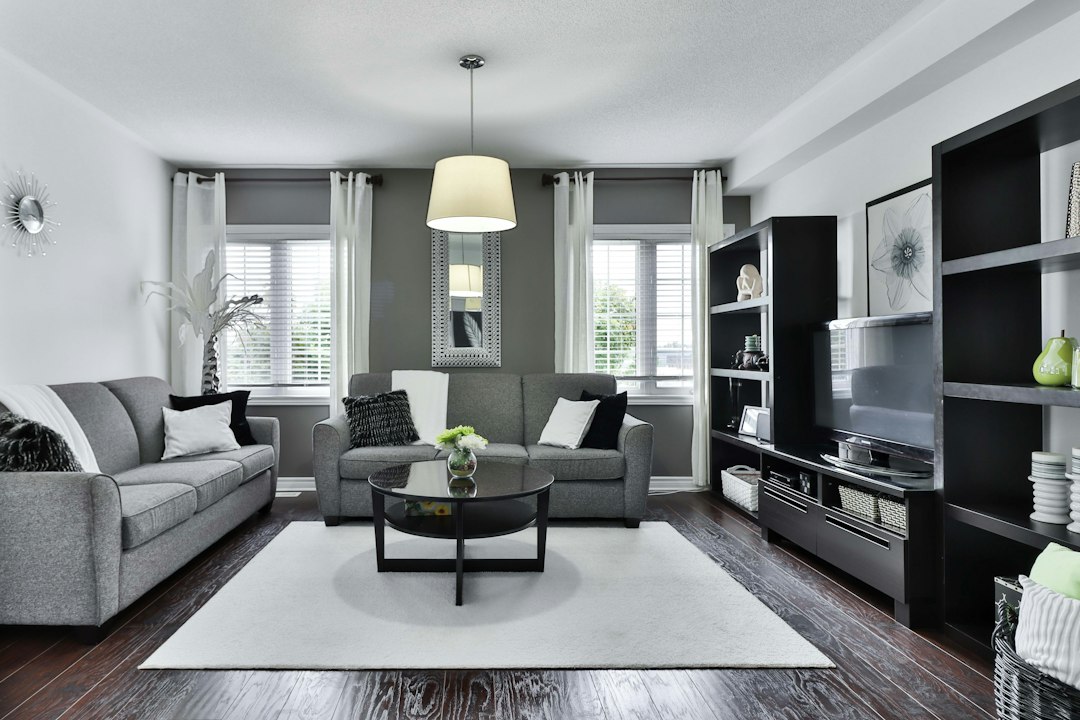
Use Planner 5D as your main tool if you want the best balance of AI help, planning depth, and real-world usefulness. It is the strongest option for people who want to move from idea to action.
Use RoomGPT when you need quick inspiration and do not want to learn a full design platform. Use Interior AI when style matters most and you need attractive concept images fast.
The best choice depends on your goal. For a serious room redesign, pick Planner 5D. For a quick creative spark, pick RoomGPT. For visual style exploration, pick Interior AI.