
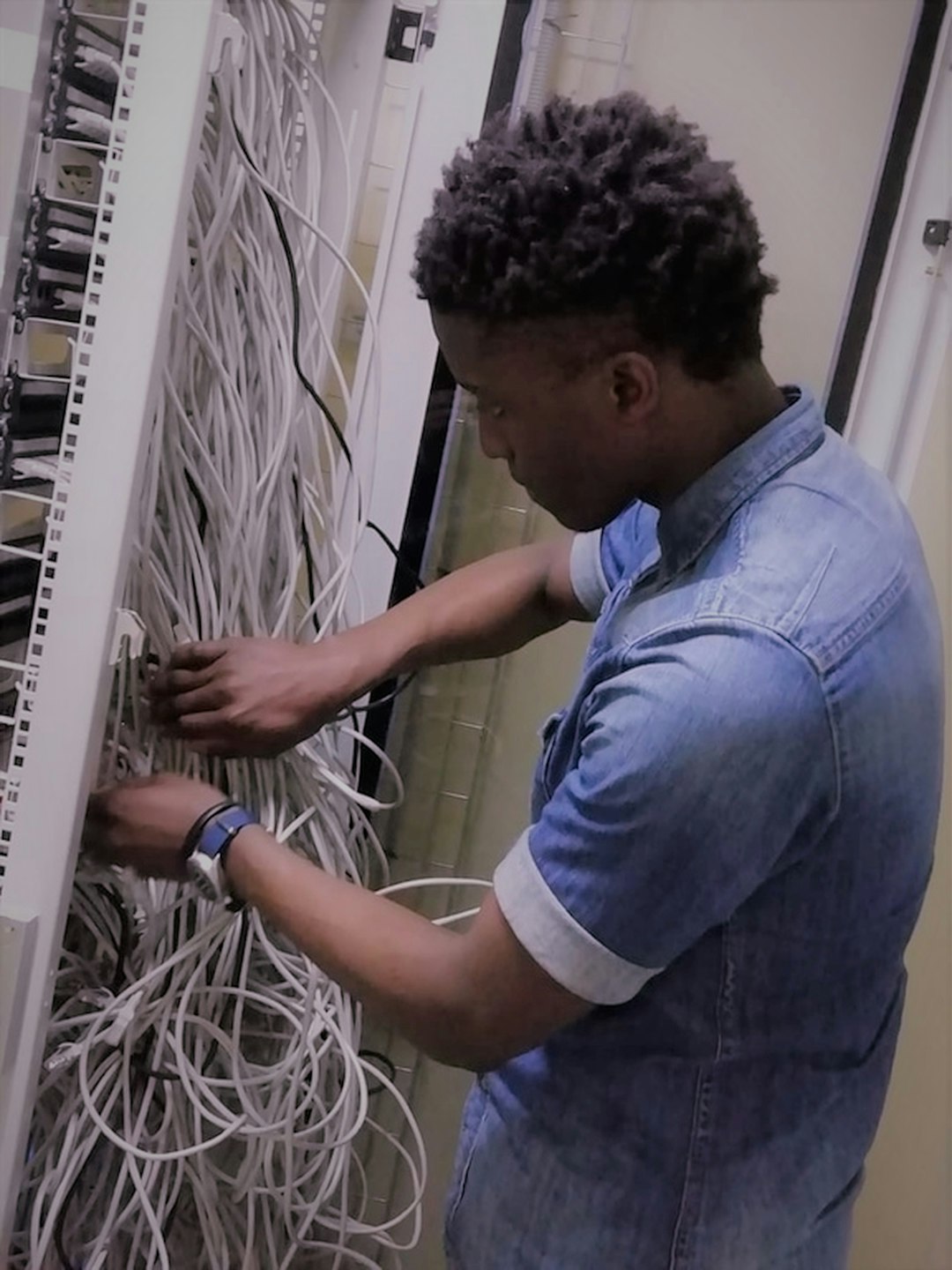
Imagine your computer as a tiny restaurant. It has to cook, serve, wash dishes, and take payments. Now imagine a giant kitchen in the back doing the hard work for many tiny restaurants at once. That is the basic idea behind server-based computing. Your device becomes the waiter. The server becomes the chef.
TLDR: Server-based computing means apps and data run on a central server, while users connect from simple devices. It can cut hardware costs, improve security, and make IT support much easier. For example, a company with 200 employees may avoid replacing 200 powerful PCs by using cheaper thin clients and one managed server platform. In some setups, support tickets can drop by 30% because updates happen in one place.
What Is Server-Based Computing?
Server-based computing, or SBC, is a model where most of the computing work happens on a central server. The user still sees the app. They still click buttons. They still type, drag, drop, and complain about passwords. But the heavy lifting happens somewhere else.
The user’s device sends input to the server. This input can be a mouse click, a keyboard press, or a tap. The server processes it. Then it sends back the result as a screen update.
It is a bit like streaming a movie. The movie is not stored on your TV. It comes from a server. With SBC, the software often works the same way. The app runs on the server, while your screen shows the action.

The Simple Architecture
Server-based computing has a few main parts. Do not worry. This is not rocket science. It is more like a well-organized sandwich shop.
- Central server: This is the big machine, or group of machines, that runs the applications.
- Client device: This is what the user touches. It can be a laptop, tablet, phone, thin client, or old desktop.
- Network: This is the road between the user and the server. It can be local, remote, or cloud-based.
- Session software: This manages the user’s connection and shows the app on their screen.
- Storage: This keeps files, settings, and user data safe in one place.
When a worker logs in, the server creates a session. That session is like a personal desk in a shared office. The user gets their apps and files. But they do not need a powerful device in front of them.
How It Works in Real Life
Let us say Mia works at a medical clinic. She logs into a thin client at the front desk. The device has very little power by itself. But it connects to a central server.
Mia opens the patient scheduling app. The app runs on the server. Patient records stay on the server too. If Mia’s desk device breaks, she can move to another desk. She logs in again. Her work appears like magic.
No panic. No lost files. No “my computer ate the schedule” drama.
Why Businesses Like It
Server-based computing is popular because it solves many boring but expensive problems. And in IT, boring problems are often the most dangerous ones.
1. Lower Device Costs
Users do not always need powerful computers. Many can use thin clients or basic laptops. These devices are cheaper. They also last longer because they do less work.
A company may spend less on upgrades. Instead of buying 100 high-end PCs, it can invest in stronger servers and simpler user devices.
2. Easier Management
In a normal setup, IT teams must update many machines. That is slow. It is also annoying. Nobody wants to walk from desk to desk installing patches like a tech support squirrel.
With SBC, updates happen on the server. Install once. Test once. Deploy to many users. Nice and tidy.
3. Better Security
Data stays in the data center or cloud. It is not spread across dozens or thousands of local devices. This is a big deal.
If a laptop is stolen, the thief may get the device. But they may not get the data. Access can be blocked from the server side. Files remain protected.

4. Fast Recovery
Devices fail. Coffee spills. Screens crack. Keyboards meet soup. It happens.
With server-based computing, the user can move to another device and continue working. Their session may even still be active. This helps reduce downtime.
5. Remote Work Friendly
SBC is useful for remote teams. Employees can connect from home, from a branch office, or from a hotel room. The apps stay central. The experience stays familiar.
This is great for companies with many locations. It is also great for teams that need controlled access to sensitive tools.
Modern Use Cases
Server-based computing is not old tech collecting dust in a basement. It has evolved. Today, it works with cloud platforms, virtual desktops, and secure app delivery tools.
Healthcare
Hospitals and clinics use SBC to keep patient data central and secure. Doctors can log in from different rooms. Nurses can access charts from shared workstations. The system helps protect private data.
Education
Schools can deliver software to computer labs without installing it on every machine. Students log in and use the same tools. Old computers can still be useful. That makes school budgets smile.
Finance
Banks and accounting firms need strong security. Server-based computing helps control access. It also supports compliance rules. Sensitive financial data stays in a managed environment.
Call Centers
Call centers love simple setups. Agents often use the same apps all day. SBC lets companies set up new agents quickly. A new worker can log in and start. No complex local setup is needed.
Manufacturing and Warehouses
Factories can use rugged terminals or simple devices on the floor. The main apps run on servers. This keeps production data central and reduces device maintenance.
SBC, VDI, and the Cloud
You may hear terms like VDI, remote desktop, and desktop as a service. They are related, but not always the same.
- Server-based computing: Many users share server resources to access apps or desktops.
- VDI: Each user often gets a separate virtual desktop.
- Cloud desktops: Desktops or apps are delivered from cloud infrastructure.
The goal is similar. Put computing power in a central place. Give users access from almost anywhere. Keep control in the hands of IT.
What to Watch Out For
Server-based computing is powerful. But it is not magic fairy dust. It needs planning.
- Network quality matters: A slow connection can make apps feel laggy.
- Server capacity matters: Too many users on weak servers can cause pain.
- Licensing can be tricky: Software rules must be checked carefully.
- User experience matters: People still expect fast apps and smooth screens.
A good SBC design includes enough server power, strong security, backups, and monitoring. It also includes testing. Lots of testing. Because surprises are fun at birthday parties, not in IT systems.
The Future of Server-Based Computing
The future looks bright. More companies are mixing SBC with cloud services. Artificial intelligence tools may help monitor performance. Automation can create user sessions faster. Security tools can spot strange behavior in real time.
Work is also more flexible now. People expect to access apps from many places. Server-based computing fits this world well. It gives companies control. It gives users freedom. That is a rare and useful combo.
Final Thoughts
Server-based computing is like a central power station for business apps. Users do not need giant machines on every desk. They need a reliable way to connect.
It can lower costs, improve security, speed up support, and make remote work easier. It is simple in concept, but very useful in practice.
So, the next time someone says, “My app is running on the server,” you can nod wisely. Maybe even say, “Ah yes, the chef in the back kitchen.” Then enjoy the fact that you now understand server-based computing without needing a 900-page manual.