
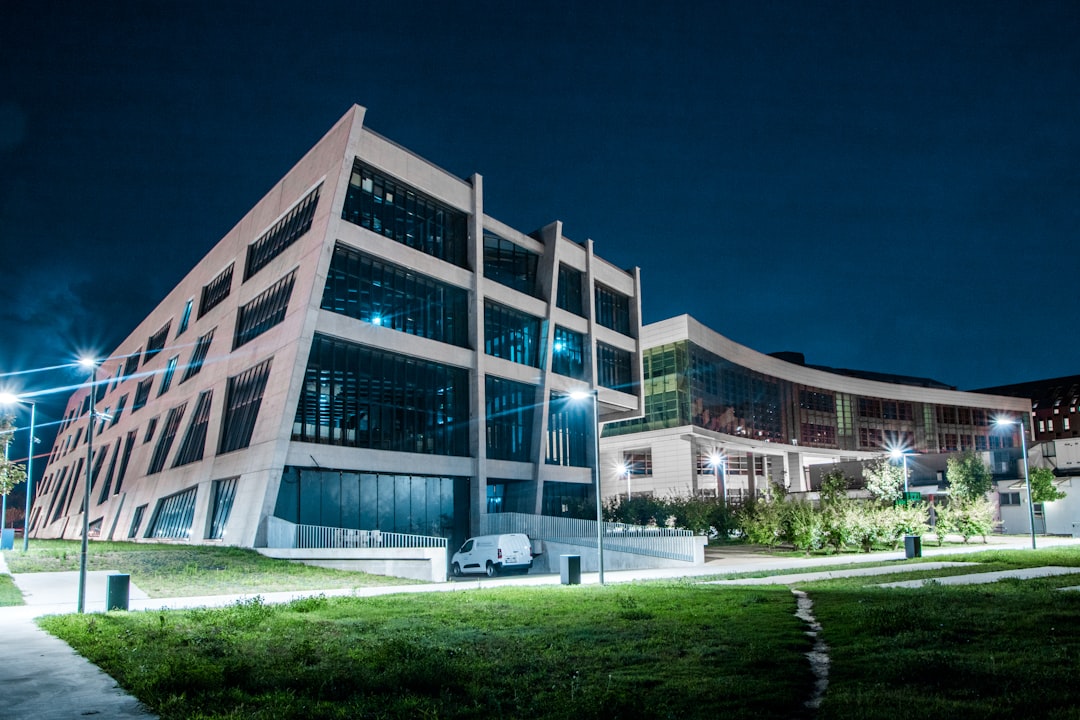
A campus LAN is the network foundation that connects buildings, people, devices, and digital services across a single organization’s physical site. It is commonly used by universities, corporate campuses, hospitals, government complexes, and large schools to provide fast, reliable access to shared resources. Although it may appear simple to users who just connect to Wi Fi or plug in a cable, a campus LAN is a carefully designed system of switches, routers, access points, security controls, and management tools.
TLDR: A campus LAN is a local area network that connects multiple buildings or areas within one campus environment. It supports wired and wireless access, allowing users to reach applications, printers, servers, the internet, and cloud services. A strong campus LAN is designed for speed, security, scalability, and reliability, making it essential for modern education, business, healthcare, and public services.
What Is a Campus LAN?
A campus LAN, or campus local area network, is a network that links computers, phones, security systems, servers, wireless devices, and other connected equipment within a limited geographic area. Unlike a small office LAN, which may serve only one floor or building, a campus LAN often spans several buildings, outdoor spaces, classrooms, offices, labs, dormitories, warehouses, or administrative facilities.
The term campus does not apply only to colleges or universities. It can describe any group of buildings under one organization’s control. For example, a technology company may operate a campus LAN to connect its headquarters, research labs, visitor center, and employee facilities. A hospital may use one to connect patient wards, imaging departments, offices, pharmacies, and emergency care areas.
How a Campus LAN Works
A campus LAN works by using structured network layers. These layers help organize traffic and make the network easier to expand, secure, and troubleshoot. A common design includes the following:
- Access layer: This is where end devices connect. Examples include desktop computers, laptops, IP phones, surveillance cameras, printers, and wireless access points.
- Distribution layer: This layer collects traffic from multiple access switches and applies rules such as routing, filtering, and policy control.
- Core layer: This is the high-speed backbone of the campus LAN. It moves large amounts of data between buildings, data centers, internet gateways, and cloud connections.
In many campus environments, buildings are connected with fiber optic cables because fiber supports high bandwidth and long distances. Inside individual buildings, copper Ethernet cables are often used to connect wall ports, switches, phones, access points, and other devices. Wireless access points extend the LAN by providing Wi Fi coverage in offices, classrooms, meeting rooms, hallways, cafeterias, and outdoor areas.
Key Components of a Campus LAN
A campus LAN is made up of several important components that work together. Each component has a specific role in keeping the network available and secure.
- Switches: Switches connect devices within the LAN and forward data to the correct destination.
- Routers: Routers move traffic between different networks, such as the campus LAN, the internet, and cloud services.
- Wireless access points: These provide Wi Fi access for mobile devices, laptops, tablets, and guests.
- Firewalls: Firewalls inspect and control traffic to protect the organization from threats.
- Network controllers: Controllers help administrators manage wireless settings, user policies, security rules, and device configurations.
- Servers and storage: These may host applications, databases, files, authentication services, and backups.
- Cabling and racks: Physical infrastructure, including fiber, copper cabling, patch panels, and equipment racks, supports the entire network.
What a Campus LAN Is Used For
A campus LAN supports the daily operations of an organization. It allows users to communicate, collaborate, access information, and use digital tools efficiently. In a university, the campus LAN may support online learning platforms, research systems, library resources, student records, video lectures, and dormitory internet access. In a business campus, it may support video meetings, software platforms, file sharing, access control, customer service systems, and voice communications.
Modern campus LANs also support many nontraditional devices. Security cameras, badge readers, smart lighting, heating and cooling systems, digital signs, vending machines, and lab equipment may all rely on the network. This growth in connected technology is one reason campus LANs must be designed with capacity and flexibility in mind.

Wired and Wireless Connectivity
A campus LAN usually includes both wired and wireless connections. Wired Ethernet is often preferred for devices that need stable, high-speed connections, such as desktop computers, servers, printers, network cameras, and lab equipment. Wired links generally provide lower latency and are less affected by interference.
Wireless LAN access is essential for mobility. Students, employees, visitors, medical staff, and contractors often expect seamless Wi Fi coverage across buildings and common areas. To support this, the campus LAN must include proper access point placement, signal planning, user authentication, roaming support, and bandwidth management. A poorly designed wireless network can lead to dead zones, slow speeds, and unreliable access.
Security in a Campus LAN
Security is one of the most important aspects of a campus LAN. Because many users and devices connect to the same environment, administrators must prevent unauthorized access and limit the spread of potential threats. A secure campus LAN may use several layers of protection.
- Authentication: Users and devices may be required to verify their identity before connecting.
- Network segmentation: Different groups, such as students, staff, guests, finance teams, and security cameras, may be separated into different network segments.
- Access control: Policies determine which users and devices can reach specific applications or systems.
- Firewalls and monitoring: Security tools inspect traffic and detect suspicious behavior.
- Guest networks: Visitors may receive internet access without being allowed into internal systems.
Segmentation is especially valuable. For example, a guest using campus Wi Fi should not be able to access payroll systems or medical records. Similarly, an infected device in one department should not be able to spread malware across the entire campus.
Benefits of a Campus LAN
A well-designed campus LAN provides several major benefits. The most obvious is connectivity, but the value goes beyond simply getting online. It enables centralized management, faster communication, shared services, improved security, and better user experiences.
- High performance: A campus LAN can deliver fast access to local applications, cloud tools, and internet services.
- Scalability: It can grow as the organization adds buildings, users, devices, or services.
- Reliability: Redundant links and backup hardware can keep services running during failures.
- Centralized control: IT teams can manage policies, updates, and security settings from one place.
- Better collaboration: Users can share files, attend video meetings, access shared platforms, and communicate more efficiently.
Challenges of Building and Managing a Campus LAN
Although a campus LAN offers many advantages, it can be complex to design and maintain. Large environments must account for bandwidth demand, physical distance, device growth, cybersecurity threats, and changing user expectations. Network teams must also plan for downtime, equipment replacement, software updates, and emergency response.
Another challenge is visibility. When hundreds or thousands of devices are connected, administrators need tools that show what is happening across the network. They must be able to identify bottlenecks, detect unknown devices, track performance issues, and respond to security incidents quickly.

Why Campus LAN Design Matters
Good design determines whether a campus LAN will be dependable or frustrating. A weak design may cause slow Wi Fi, overloaded switches, security gaps, and frequent outages. A strong design uses proper cabling, redundant paths, logical segmentation, quality hardware, and clear management policies.
Planning should also consider future needs. More organizations are adopting cloud applications, video collaboration, smart building systems, and internet connected devices. As a result, the campus LAN must support not only today’s traffic but also tomorrow’s growth. In many cases, it becomes the digital utility that every department depends on.
Conclusion
A campus LAN is the core network that connects people, devices, buildings, and services within a shared physical environment. It combines wired infrastructure, wireless access, security systems, and management tools to support daily operations. Whether used by a university, company, hospital, or public institution, a campus LAN helps users work, learn, communicate, and access resources efficiently. When it is designed well, it becomes a reliable foundation for both current technology and future innovation.
FAQ
-
What does LAN stand for?
LAN stands for local area network. It is a network that connects devices within a limited area, such as a building, office, school, or campus. -
How is a campus LAN different from a regular LAN?
A regular LAN may serve a small area, while a campus LAN usually connects multiple buildings or large facilities under one organization. -
Does a campus LAN include Wi Fi?
Yes. Most campus LANs include both wired Ethernet and wireless access points to support mobile users and connected devices. -
Why is fiber optic cabling common in campus LANs?
Fiber optic cabling supports high speeds over long distances, making it useful for connecting separate buildings across a campus. -
Who manages a campus LAN?
A campus LAN is usually managed by an IT or network operations team responsible for performance, security, maintenance, and upgrades.